IPTV & Media
Troubleshooting Missing HLS Segments and Timeouts
Troubleshoot HLS playback that stalls after startup by checking segment availability, timeouts, authorisation, live windows and variant-specific failures.
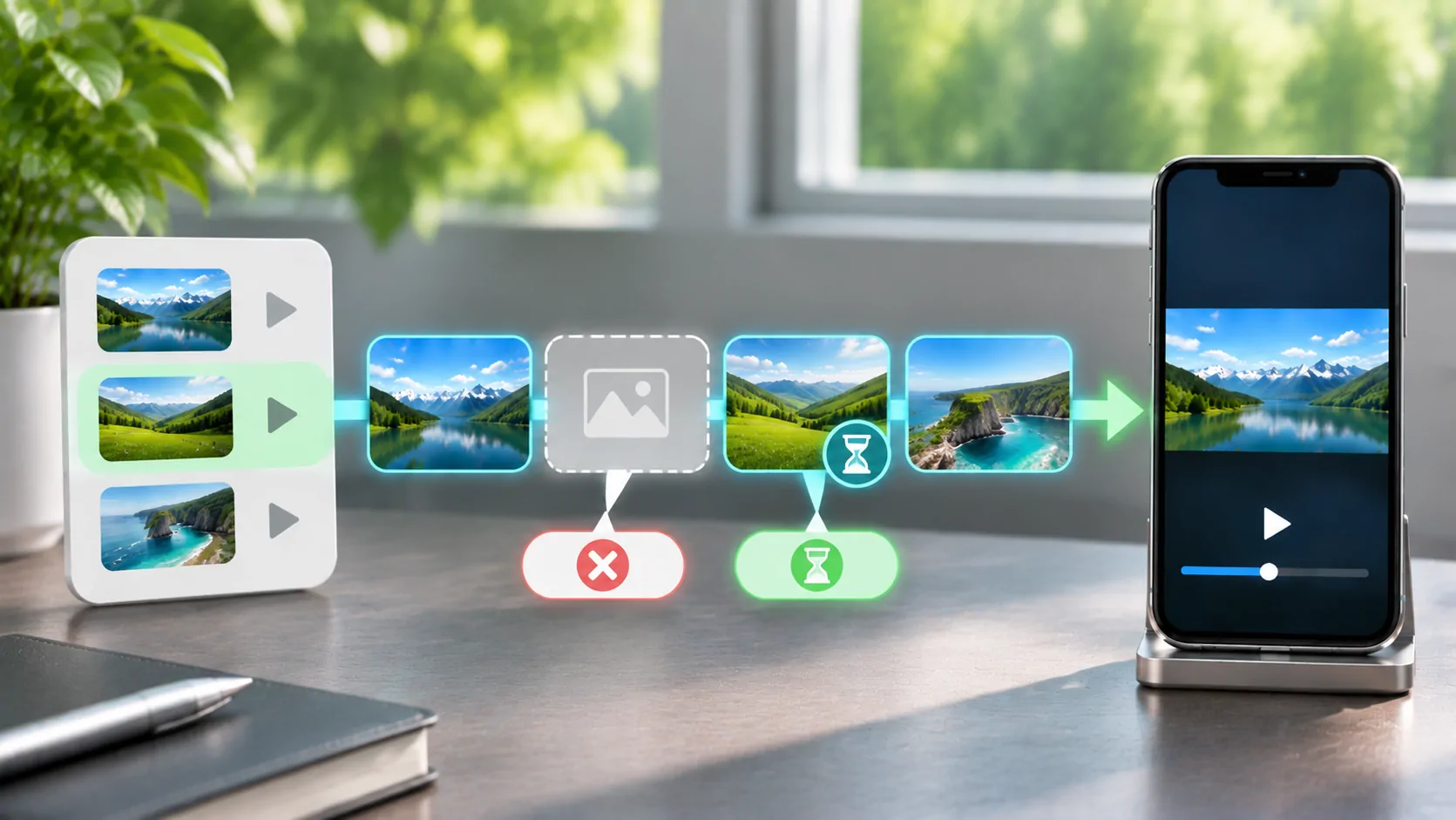
An HLS stream can start normally and then stall when a required media segment cannot be retrieved in time. The cause may be a missing file, a bad reference, an expired permission, an unavailable variant or slow delivery. The playlist loading successfully does not establish that its next segment is available.
Begin by recording the exact symptom and approximate playback time. If you have legitimate access to request logs, identify the failing resource and response. If you are a viewer, provide that timing to the source operator without publishing private stream URLs or account-bearing query strings.
Locate the Failure in the Request Chain
HLS uses a multivariant playlist where present, selected media playlists, media segments and sometimes other resources such as keys or initialisation sections. RFC 8216 defines these relationships. A failure at any required stage can prevent progress.
Immediate failure before playback suggests a different path from a stall after several successful segments. Repeated failure at one programme position can suggest a particular segment, timeline transition or source publication problem. A failure that follows changing coverage may instead involve delivery conditions.
Describe the stage you actually observed. A spinning indicator alone does not reveal whether DNS, TLS, authorisation, downloading or decoding failed. Avoid calling every stall a timeout unless the player or logs report that condition. Precise symptom language helps the next person choose the right evidence.
Distinguish a Missing Resource from a Slow One
The HTTP semantics specification provides the baseline meanings of response statuses. A 404 indicates a resource was not found, while a refusal such as 403 concerns access. A connection that receives no timely response is a different case again. A server can also return a successful status with an unexpected body.
For an administrator, inspect the actual response, duration and content type for the failing request. A tiny HTML error document is not a valid segment simply because the request returned quickly. For a viewer, report the app's exact error text rather than inventing a status code.
Retries can help a transient delivery problem but cannot repair a permanently wrong path. Increasing every timeout can hide a publication defect while making failures take longer to appear. Identify the reason before changing client or server limits.
Check Publication Timing and Live Retention
A live playlist should not advertise a segment that permitted clients cannot yet retrieve through the delivery path. An encoder may have written the file locally while an origin, proxy or content-delivery layer has not made it available. The viewer experiences this as a missing resource despite a valid playlist reference.
The opposite timing problem happens when a segment is removed too soon. A paused or slower client may still need it. A live window and the server's retention policy must work together. A locally saved playlist can also reference old segments that no longer exist.
If you operate the source, compare playlist update times and segment availability at the public endpoint. Apple's streaming resources provide implementation guidance. Check from outside the origin network as well, because local filesystem success does not verify the public delivery chain.
Resolve the Address the Client Actually Uses
A relative segment path is interpreted against its media playlist location. Copying a playlist, changing a reverse-proxy path or redirecting to a different directory can expose incorrect assumptions. A segment named part001.ts can point somewhere different after such a change.
Use a standards-aware resolver and compare the complete requested URL with the intended public resource. Relative and absolute playlist URLs walks through the path rules. Do not prepend a hostname blindly or delete query parameters that may be required for access.
Authorisation must also work for every required resource. A valid root playlist token does not automatically authorise all segments or keys. When startup works but later requests fail, ask whether signed resource lifetimes and session refresh rules cover the entire supported playback period.
Isolate Variant-Specific Failures
A multivariant source may have one broken rendition while others continue working. If the player changes quality just before a repeatable stall, the timing can be a useful clue. It is not proof without request evidence, but the source operator can check the corresponding variant playlist and media.
Where the player provides a documented quality control, compare automatic selection with a lower supported preference while keeping the connection fixed. Do not invent controls for an app that does not expose them. A change in outcome narrows the question but does not establish whether bandwidth, encoding or a missing rendition was responsible.
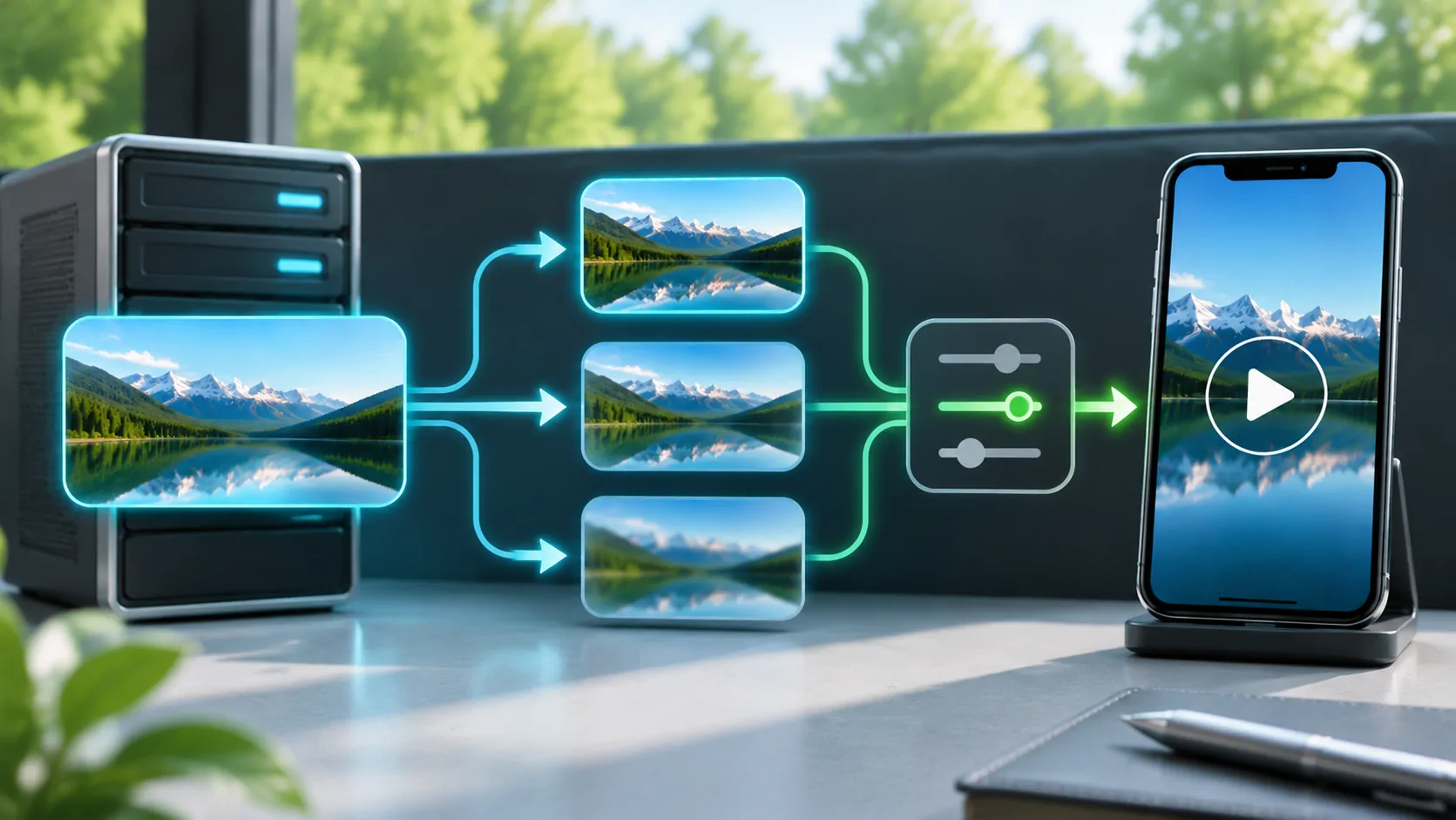
See how adaptive bitrate works for the selection model. Every advertised variant needs valid metadata, compatible media and an accessible timeline; adding more quality labels cannot compensate for broken resources beneath them.
Compare Delivery Conditions Methodically
First establish stationary playback on a stable trusted connection. Then compare the same source and client on mobile data. Keep other downloads and shared hotspot use visible, because competing traffic can drain the buffer. A speed test to an unrelated server cannot certify delivery from the media host.
If only one network fails, investigate route, DNS, filtering, app cellular access and the source's policy. Do not assume intentional throttling from a single comparison. A VPN changes the route and other conditions; improvement is evidence of a different path, not a complete explanation.
For a compatible parked vehicle setup, confirm phone playback before adding external output. A dashboard receiver can introduce a separate connection problem, but a missing internet segment remains a source or delivery issue. Never troubleshoot visual media while driving.
Prepare a Report That Can Be Acted On
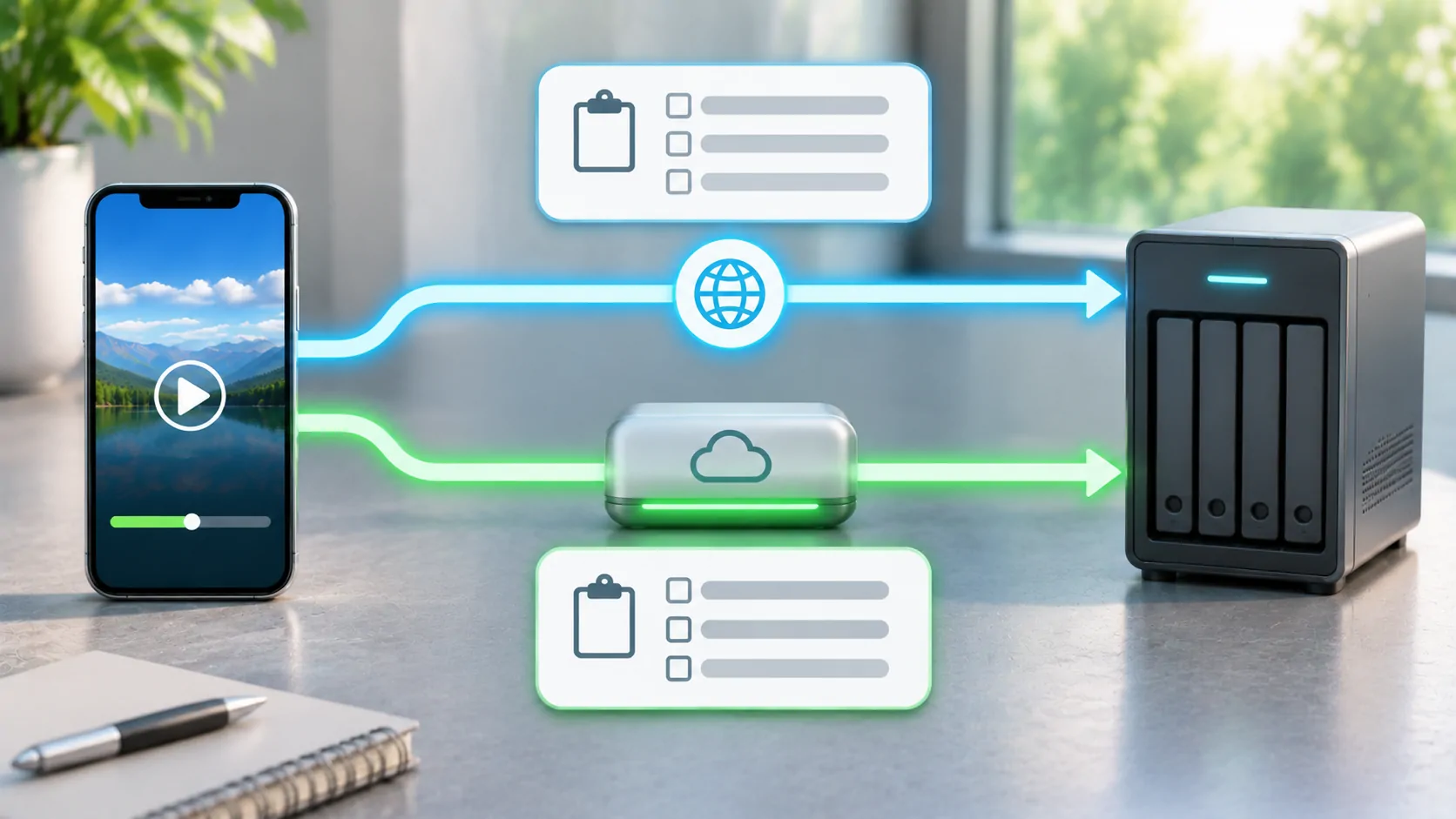
Include the date and time with a time zone, client version, affected source, approximate programme position and whether the failure repeats. If authorised logs are available, add the resource category, status and response timing with secrets redacted. State whether other variants or items worked in the same session.
Administrators should correct the underlying path, publication, retention or access policy and then repeat the affected scenario. A successful root playlist request alone is insufficient validation. Viewers should use the provider's private support route for any sensitive source details.
The aim is to connect a visible stall to a specific unavailable or delayed dependency. Once that link is established, the responsible operator can make a targeted change instead of the viewer repeatedly reinstalling a player.
Sources
Related reading

Bring your own media.
Explore CarCast for iPhone with your own authorized sources and supported display configurations.