IPTV & Media
Live, Event and VOD Playlists in HLS
Compare HLS live, EVENT and VOD playlists, including changing windows, ENDLIST, seeking limits and what a saved playlist cannot preserve.
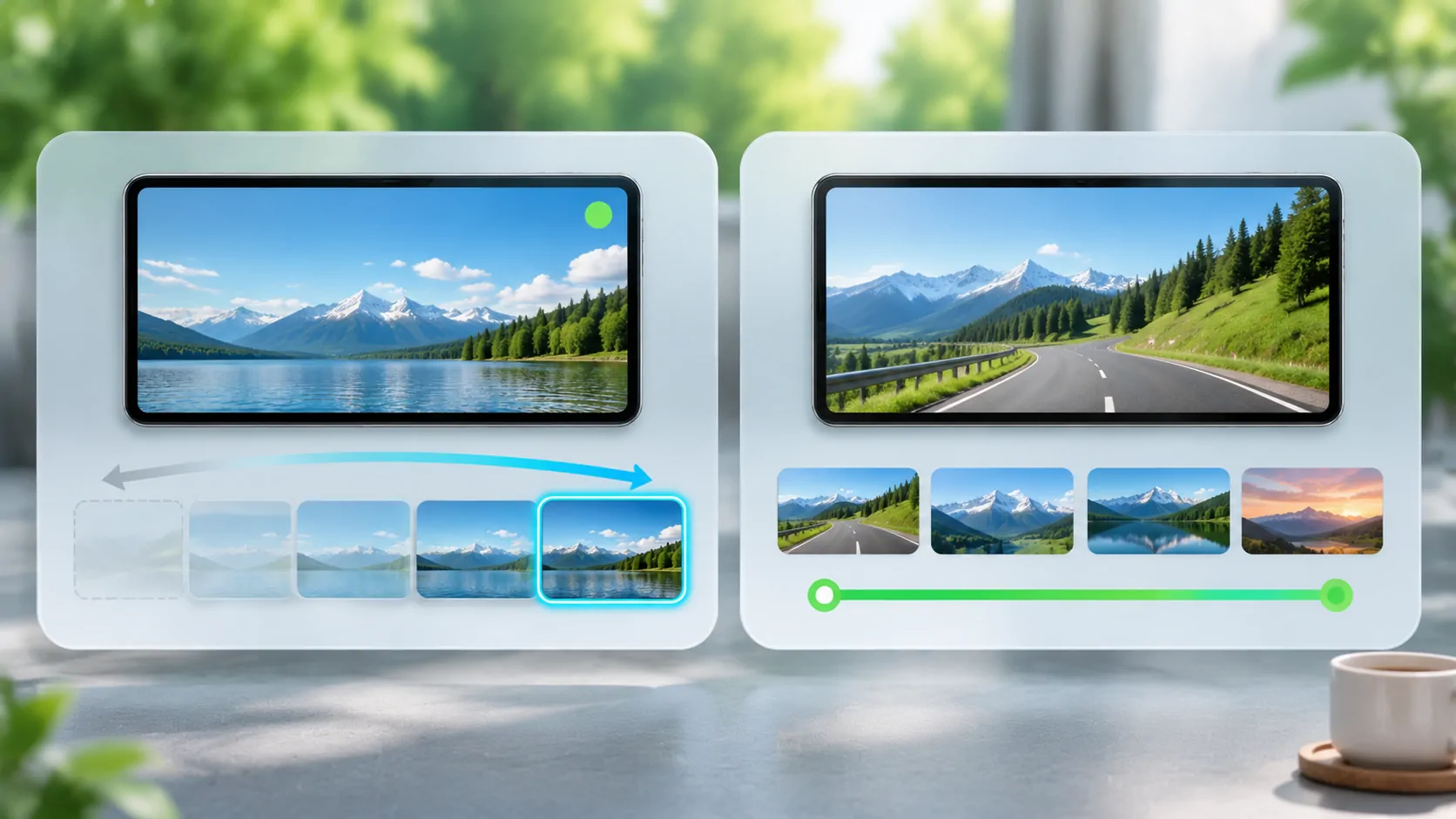
HLS can describe an ongoing live presentation, an event that grows over time, or fixed video on demand. The difference is expressed by playlist behaviour and tags, not simply by the .m3u8 filename. A player uses those details to decide when to reload, where it can seek and whether more media is expected.
For viewers, this explains why a live stream may not rewind to its beginning and why saving its playlist does not preserve the programme. For publishers, choosing the right playlist model is part of keeping references, caches and available segments consistent.
Separate the Presentation from the Catalogue
A channel catalogue may list many television or audio sources, while an HLS media playlist describes segments of one presentation. An HLS multivariant playlist can sit above media playlists and offer alternative renditions. These layers are often all called playlists in casual instructions, which can obscure the actual document being discussed.
RFC 8216 defines the HLS tags and update rules. Apple's HTTP Live Streaming resources provide a practical starting point for implementers. Neither an IPTV category label nor a channel's visible title determines whether its underlying presentation is live or on demand.
When diagnosing seeking or refresh behaviour, identify the media playlist first. A channel catalogue can remain unchanged for months while the selected channel's HLS media playlist changes every few seconds as new segments become available.
How a Sliding Live Playlist Behaves
A common live playlist includes a recent window of segments and is reloaded as the presentation continues. New entries appear and older entries can be removed according to the protocol's rules. The media sequence identifies the sequence position of the first listed segment; it is not simply the number of channels or a playback quality setting.
A client must stay within content the server still makes available. If it pauses long enough for its next required segment to fall outside the retained window, playback may need to return closer to the live edge. The size of the available window is a property of that stream's publication and retention strategy.
Do not assume every live source offers the same rewind range. A player can present only what the source supports. A large time slider is not proof that the origin stores an entire broadcast or permits catch-up access.
What EVENT Means
An HLS media playlist marked EVENT is intended to grow by adding content, with restrictions on removing or changing existing portions. This suits an event whose beginning should remain available as new material arrives, provided the server retains the referenced resources. It is a specific playlist model rather than a general synonym for any live broadcast.
An event can eventually finish. An end marker tells clients that no more segments will be added. Until then, the playlist may continue to grow and require reloading. A player should not infer that a stream is finished merely because the newest segment has not arrived yet.
The playlist text and stored media must remain consistent. Appending references while deleting early segments undermines the expected experience. If you run the source, test seeking back through the event using the public delivery path, not just the encoder's local folder.
What VOD and ENDLIST Tell the Player
A VOD playlist describes fixed media and has protocol restrictions on changes. It is suitable for a completed presentation whose segment set is known. The EXT-X-ENDLIST marker indicates that no more media segments will be added to that media playlist. These related signals have distinct roles.
An end marker can appear in a completed event as well as in fixed content. Therefore, seeing ENDLIST does not alone tell you the original publishing workflow. Conversely, the absence of the marker does not guarantee that the source is healthy and actively producing new segments; an abandoned live playlist can simply stop updating.
For a viewer, the practical questions are whether the playlist is final, whether the referenced segments remain available, and whether access is still authorised. For a publisher, changing a previously fixed presentation requires a careful content and caching strategy rather than silently replacing arbitrary segment data.
Seeking Depends on More Than the Player
A seek request needs media at the requested time, a usable timeline and continued access. If the earliest listed segment begins partway through an ongoing programme, the player cannot jump to material that the source never exposed. If the server removed a segment, a visible timeline may lead to a failed request.
Discontinuities and changes in encoding can also affect playback across a long presentation. The source must describe such transitions correctly. Repeatedly dragging the seek control cannot repair missing timing information or a broken segment reference.
Ask the provider about retention, event replay and catch-up terms rather than assuming a feature from the word live. For a general introduction to the layers involved, see HLS playlists explained. A player's user interface should not be treated as an archive guarantee.
A Saved Playlist Is Not an Offline Video
An M3U8 file is small because it mostly contains instructions and references. Saving it normally does not save all the media segments, keys or authorisation required later. A live playlist is especially time-sensitive because both the advertised window and access tokens may change.
Use an official offline workflow when the service offers one and when your account permits it. Do not assume that copying playlist text creates a permanent licensed copy. If you own the content, an offline package still needs the required resources and a compatible playback arrangement.
See why M3U8 links expire for the difference between token expiry and media disappearing from a live window. Both can make an old saved file fail, but replacing a token cannot recreate a segment that is no longer stored.
Report the Observed Timeline
When a source stops, note whether the media playlist continues changing, whether the final marker is present and whether the failing segment is still listed. These observations are useful only if actually checked; a viewer without diagnostic access can still report the precise playback time and symptoms.
Keep the same connection and client during an initial comparison. Establish stationary phone playback before testing any compatible vehicle output. An external display can add its own restrictions, but it does not change the source's live window or turn a short rolling stream into VOD.
The useful distinction is what the server promises over time. Live windows move, event presentations grow, and VOD is fixed. Reading that promise correctly helps explain refreshes, seeking limits and failures without blaming every difference on the player.
Sources
Related reading
Bring your own media.
Explore CarCast for iPhone with your own authorized sources and supported display configurations.