IPTV & Media
Why an M3U8 Link Expires
Understand signed M3U8 URLs, expiring sessions and disappearing live segments, and learn which information to give the source operator.
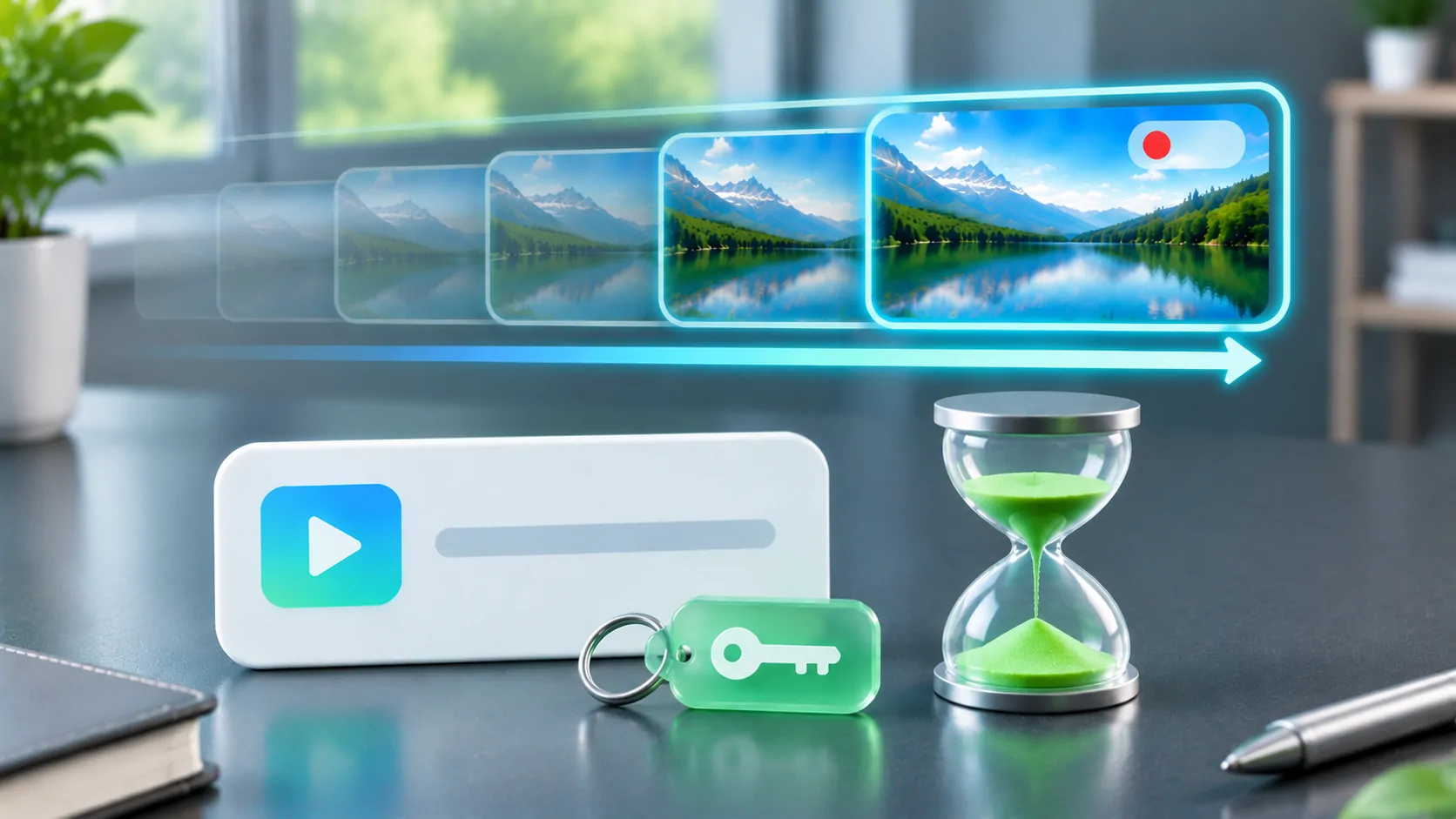
An M3U8 link can stop working because its authorisation expires, its live media window moves on, or the source owner changes the resource. These are different mechanisms. A fresh URL may restore an expired session, but it cannot recover live segments that the server no longer stores. Determine which resource failed before trying to refresh the whole playlist.
Only obtain replacement links through the source owner's supported process. Expiration is often an intentional access control, and a generic player cannot promise permanent access to a temporary URL. Do not remove signatures, share tokens or try to bypass a service's account restrictions.
The Filename Does Not Set the Lifetime
The .m3u8 extension indicates a kind of playlist text; it does not mean a link is permanent or temporary. A stable-looking address can depend on a short-lived cookie, while a long address containing query parameters can remain valid for an extended period. Lifetime is determined by the server's rules.
A signed address often contains values the server uses to validate a request. Changing those values can make the signature invalid. A parameter that resembles a timestamp may have a provider-specific meaning, so do not guess its units or edit it to a future date.
Keep the original link private and record when it was obtained and when it failed. That timeline is useful to the source operator. It is more reliable than assuming every link expires after the same number of minutes or after the phone screen locks.
Follow the Chain of HLS Resources
RFC 8216 describes HLS as playlists and referenced media resources. A multivariant playlist can identify alternative media playlists, which identify segments. Encryption-related references or initialisation information may add further requests. Access must remain valid wherever the client needs it.
The first playlist might load while a child playlist returns a refusal. Playback might start, then stop when later segments require a token that has expired. A source operator needs to know which stage failed. The mere fact that the root URL opened in a browser does not establish that the entire stream was available.
Tokens in a root URL are not automatically inherited by every relative segment reference. The provider must design a consistent authorisation mechanism. See relative playlist URLs when a stream works at one address but fails after it is copied or moved.
Live Windows Can Disappear Without Token Expiry
A live media playlist commonly advertises a moving set of recent segments. As new segments arrive, old references leave the playlist. The server may eventually remove the older media files according to its retention policy. A saved copy of yesterday's live playlist can therefore point to resources that no longer exist.
That is different from a signed URL expiring. A new session token does not restore deleted media. A time-shift or catch-up service requires the provider to retain and expose the relevant content through a supported mechanism. A player cannot create an archive from a short list of old references.
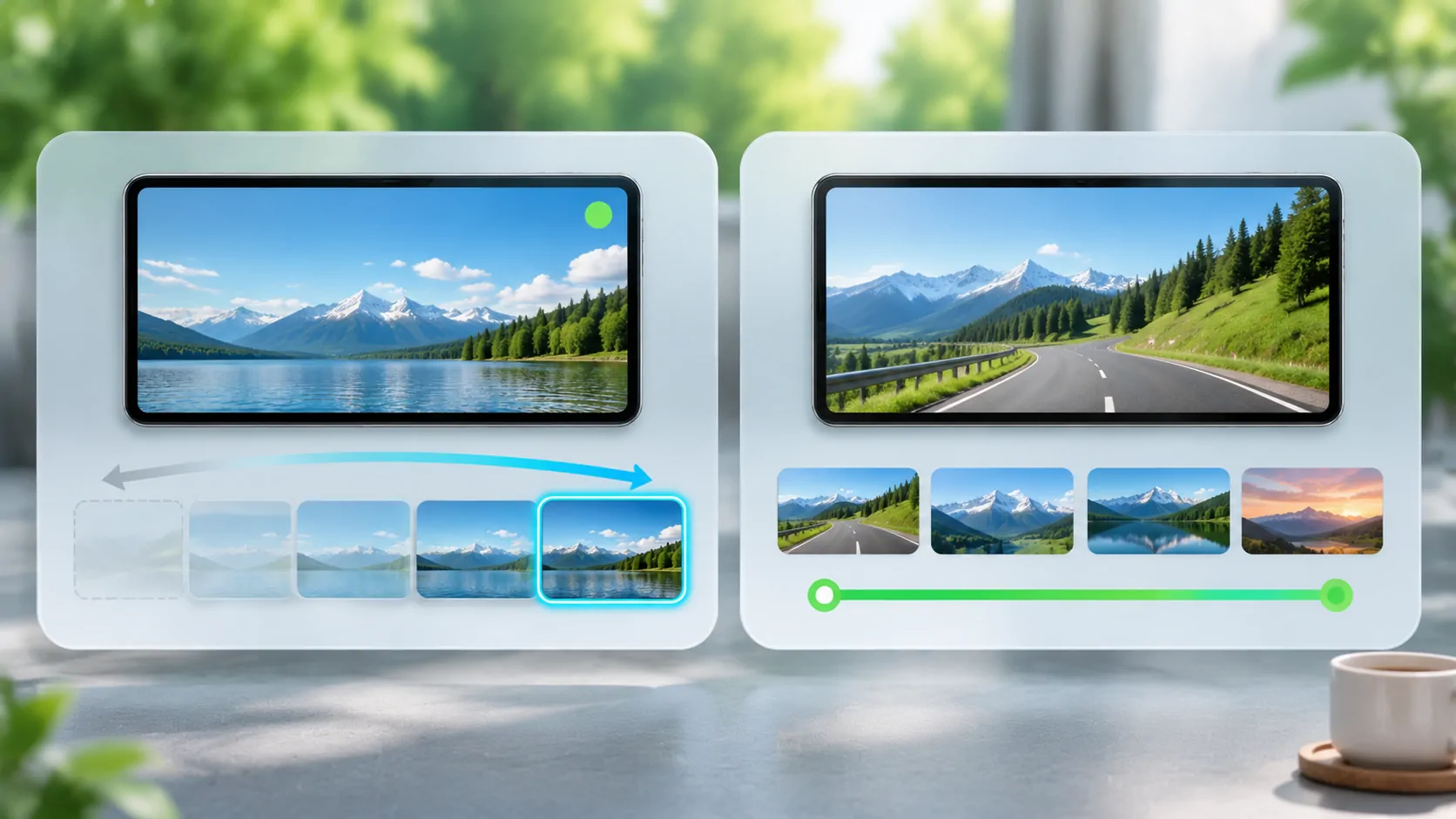
If playback fails only after a long pause, note the pause length and whether returning to the live edge restores it. For the distinction between live, event and fixed content, read HLS playlist types.
Interpret Errors Without Overreading Them
The HTTP specification defines response meanings, but a status code is not a full diagnosis. A 403 indicates refusal; it might involve expiration, account policy or another access rule. A 404 indicates the requested resource was not found; it does not prove why it disappeared.
Some providers return a successful HTTP status with an error page or replacement playlist. Others redirect a request to an authentication service. If you have legitimate diagnostic access, inspect the response type and body as well as the status. Do not claim an error code you have not actually observed.
Distinguish an immediate failure from a failure partway through playback. Immediate refusal of a newly issued source suggests a different issue from a stream that consistently fails after an account session ends. Give support the observed timeline rather than a guessed explanation.
Refresh Through the Supported Entry Point
Return to the provider's official app, account area or documented playlist endpoint to obtain a current source. A root catalogue may remain stable while individual entries are regenerated. Saving one final redirected media address can discard the refresh process the provider expects clients to use.
Ask whether the service supports external players and whether the URL is intended for reusable catalogue import or a single playback session. If support requires cookies or specialised headers, a plain URL field may not be sufficient. Do not extract private session material from another app to imitate an unsupported workflow.
Check the device's date and time if authentication or TLS errors suggest a clock problem, but do not assume changing the clock repairs a server-side expiry rule. Server validation remains under the owner's control. Repeatedly adjusting account parameters usually makes the evidence harder to interpret.
Test a Fresh Link in a Controlled Way
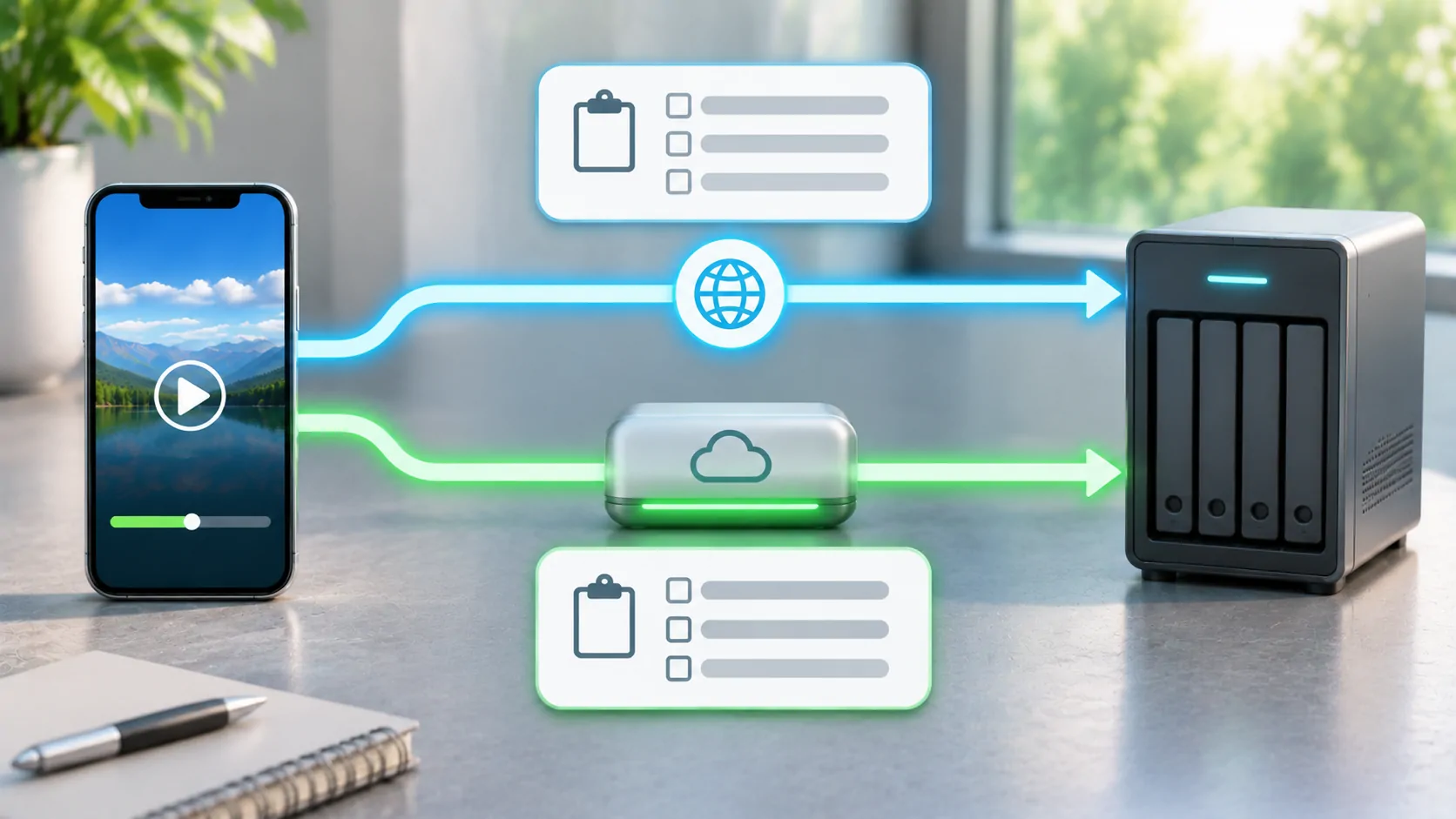
With an authorised fresh source, use the same player and stable connection. Note whether startup works, how long it continues, and whether a later failure affects all variants or one item. Avoid switching networks during the initial test because some services tie access to network context.
Then make one comparison at a time: another supported client, another authorised item, or another trusted connection. A changed public address may require a new supported session; that is a provider policy question. A VPN is not a universal solution and may itself invalidate a network-bound token.
For a parked vehicle setup, establish phone playback before adding a receiver or external display. The display path can introduce separate restrictions, but it cannot extend an expired media URL. Keep any test report free of full signed links and account credentials.
Plan for a Source That Changes
Use a provider-maintained entry point where the service supports it, and document how to refresh access. Do not build a permanent bookmark collection from temporary links captured during a single session. A source's reliability depends partly on whether its intended refresh process matches the player's capabilities.
If you administer the stream, coordinate playlist lifetime, segment retention, cache behaviour and authorisation windows. A valid playlist should not routinely advertise resources that a permitted client can no longer retrieve. Verify these relationships through actual requests before declaring the issue resolved.
An expired M3U8 link is a symptom with several possible causes. Identify the failing resource and use the owner's supported recovery path; that produces a durable answer instead of a succession of temporary copied addresses.
Sources
Related reading

Bring your own media.
Explore CarCast for iPhone with your own authorized sources and supported display configurations.