CarPlay News
EV Charging Entertainment: A Research Agenda
A research plan for EV charging-stop entertainment that tests stop duration, offline preparation, connectivity, privacy and supported parked-display conditions.
Start with the stop rather than the screen
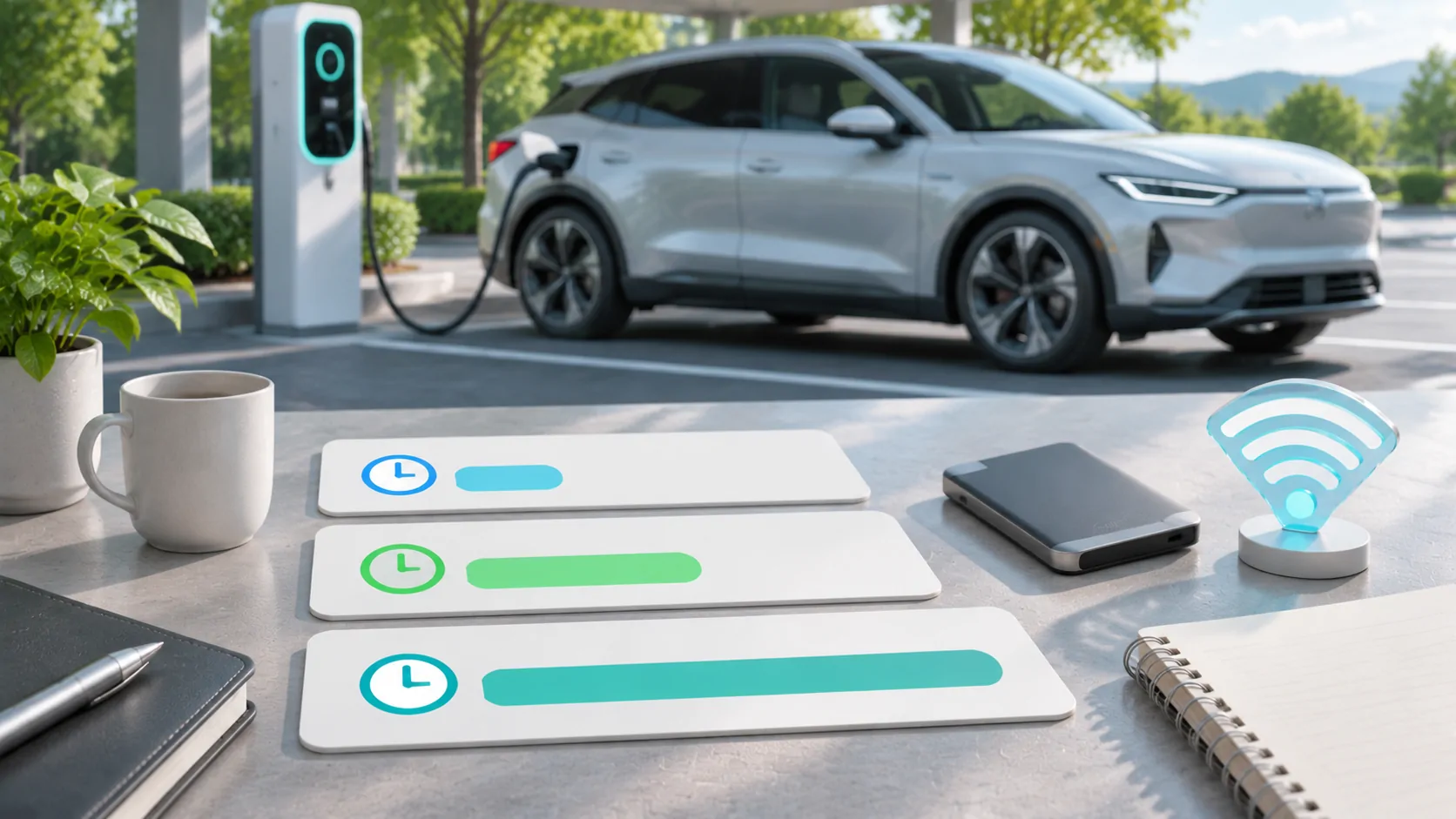
An EV charging stop can create time for a parked activity, but it does not establish a fixed entertainment session or a supported dashboard video route. Stop length varies with the charging situation and the driver's plan. Begin by asking what people want to do during that time and which tasks can be interrupted easily when they need to leave.
This research agenda is dated November 6, 2026 and looks ahead three, six and twelve months. It does not claim that entertainment searches have grown by a measured amount or that every EV owner wants video while charging. The forecast is conditional: where legitimate parked-media options become available, preparation and compatibility questions may become more valuable.
Separate the available display routes
Possible setups include the phone itself, a passenger device, a vehicle's native entertainment system and an explicitly supported CarPlay video implementation. They have different accounts, controls, media rights and operating conditions. Do not treat a rear-seat screen or a native vehicle app as evidence that an iPhone app can display video on the front CarPlay screen.
Apple's developer overview describes video apps in supported cars when parked and separate automaker integration for AirPlay video. Ordinary CarPlay support, including a listing on Apple's consumer page, is not a parked-video guarantee. Record the actual route and source of support before designing a guide around it.
Use stop-length scenarios without inventing averages
For planning, compare hypothetical short, medium and long stops, such as fifteen, thirty and sixty minutes. These are scenarios, not measured average charging durations. Ask whether the user prefers a short episode, audio, reading or no media. An activity that pauses cleanly may be more practical than a long film requiring several setup steps.
Research actual behavior through consented interviews or a clearly scoped survey when available. Record the vehicle, charging context and sample limitations. Do not infer global preferences from a handful of community posts. A useful content decision might be a preparation checklist for interrupted viewing, rather than another generic article claiming that charging time must be filled with entertainment.
Compare online and offline preparation
Online delivery depends on the available connection and the source service. Offline delivery depends on a supported download or local-file workflow and the right to store the content. A library poster or recently opened stream is not proof of offline access. Test the actual media with network access removed while safely stationary, including seeking and reopening the client.
For personal server playback, the remote path also depends on home upload capacity and server output. Jellyfin's networking documentation provides its relevant deployment guidance. A strong cellular signal at the charger cannot fix an unavailable home server. Offline library planning describes the separate storage and compatibility checks for a prepared fallback.
Make data cost part of the user decision
Estimate streaming payload from the delivered bitrate and intended viewing time, then account for overhead and retries. A hypothetical 4 Mbps stream over thirty minutes carries about 0.9 GB of decimal payload. That calculation is an illustration, not a measurement of a particular service. Adaptive delivery and prefetching can change actual consumption.
Check the user's data allowance, roaming conditions and any vehicle hotspot arrangement. Do not assume the charger provides reliable or appropriate Wi-Fi. Public networks also introduce their own sign-in and trust decisions. A practical guide should help the user choose an authorized low-data or offline option instead of promising uninterrupted high-resolution playback at every charging location.
Investigate interruption and shared-use needs
The session may end when charging completes, a charger needs attention or the driver decides to depart. Check pause, resume and exit behavior in the supported client. Avoid a workflow that requires several account prompts to stop playback. Any interaction that needs detailed attention should be handled while the vehicle is safely parked.
Shared vehicles and passengers add privacy questions. Notifications, browsing sessions, media history and server credentials may be visible or persistent. Research how the particular app and vehicle remove those records. Do not apply a privacy conclusion from one display route to another. A phone-based session, native vehicle account and mirrored screen can expose different information and require different cleanup steps.
Use staged evidence over the next year
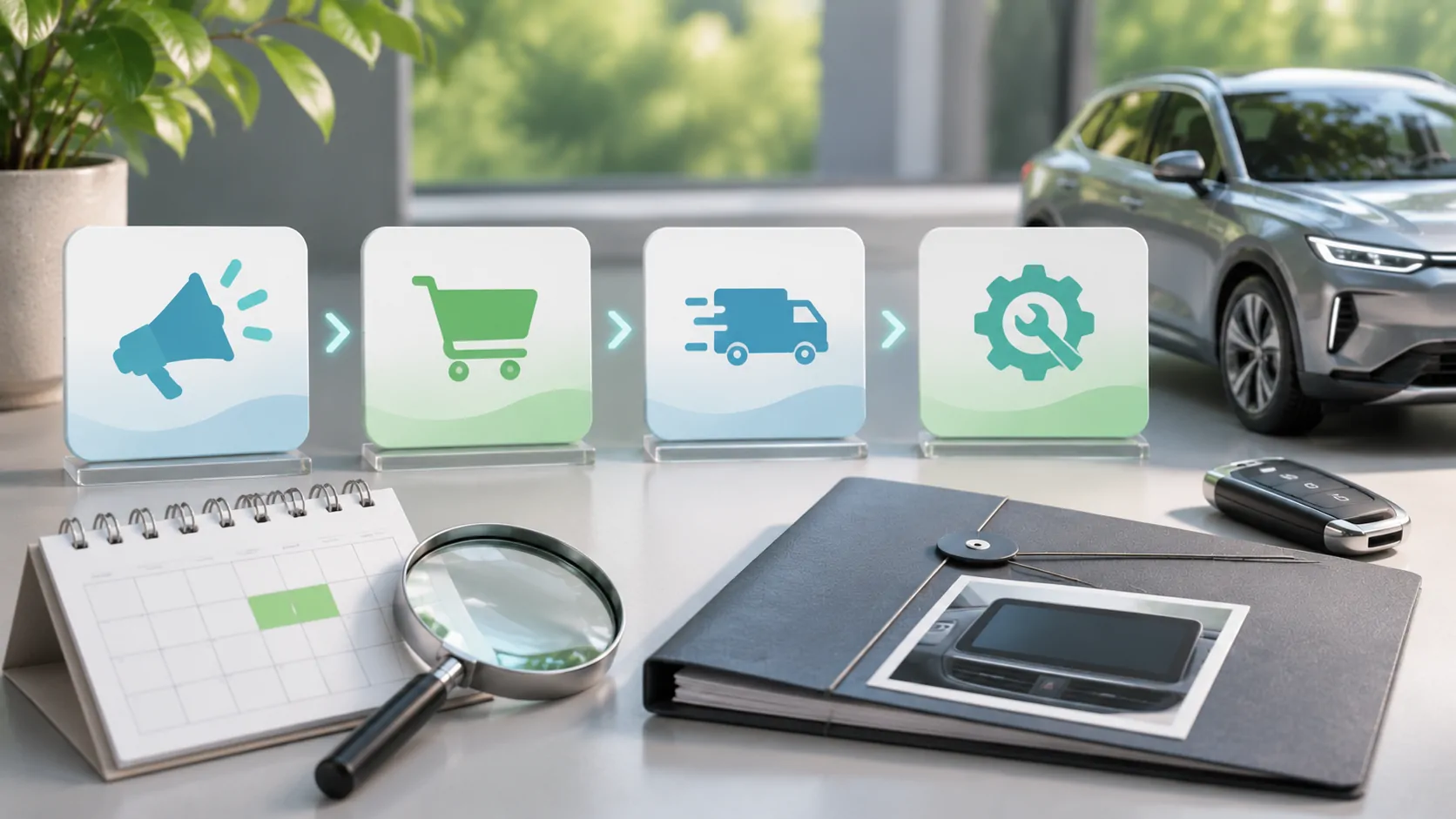
Through February 6, 2027, verify existing vehicle and app support and collect localized questions about charging-stop media. Through May 6, test preparation, interruption and connectivity on authorized configurations if equipment becomes available. Record actual observations with phone, vehicle, software, source and route, without claiming that one test represents every trim or region.
Through November 6, compare the emerging questions with shipped capabilities and measured site queries where available. Google Trends indices or search suggestions can inform research but cannot establish monthly volume. If people primarily seek charger reliability or route planning instead of entertainment, revise the editorial priority. The stop context is useful only when it leads to a real user task.
Set conditions for content expansion
Expand practical entertainment content when current support and distinct user questions justify it. A model-specific official implementation could support a setup guide; a verified offline workflow could support a preparation article. Avoid producing separate pages for every EV brand when the actual advice would only replace the name and repeat the same unsupported promise.
Use the compatibility record to keep technical evidence clear. Supported video remains a parked activity, and media rights remain applicable regardless of charging status. Confidence in this research direction should rise with real user evidence and delivered functionality, and fall when availability is narrow or the proposed task is not something users actually need.
Sources
Related reading
Bring your own media.
Explore CarCast for iPhone with your own authorized sources and supported display configurations.