Compatibility
What a Useful Parked Video Compatibility Test Should Record
A reproducible record is more useful than a list of car brands.
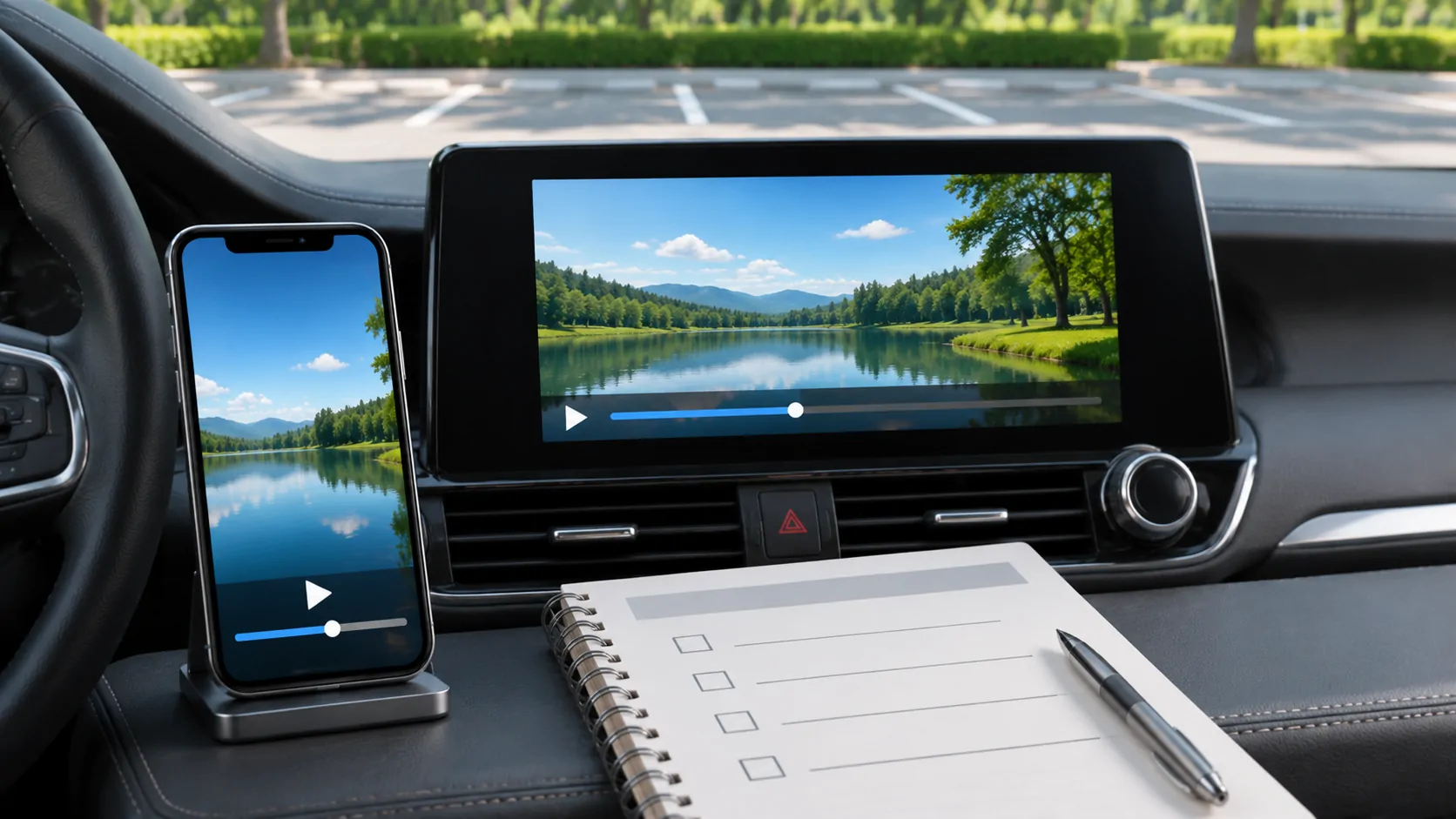
Describe the capability under test
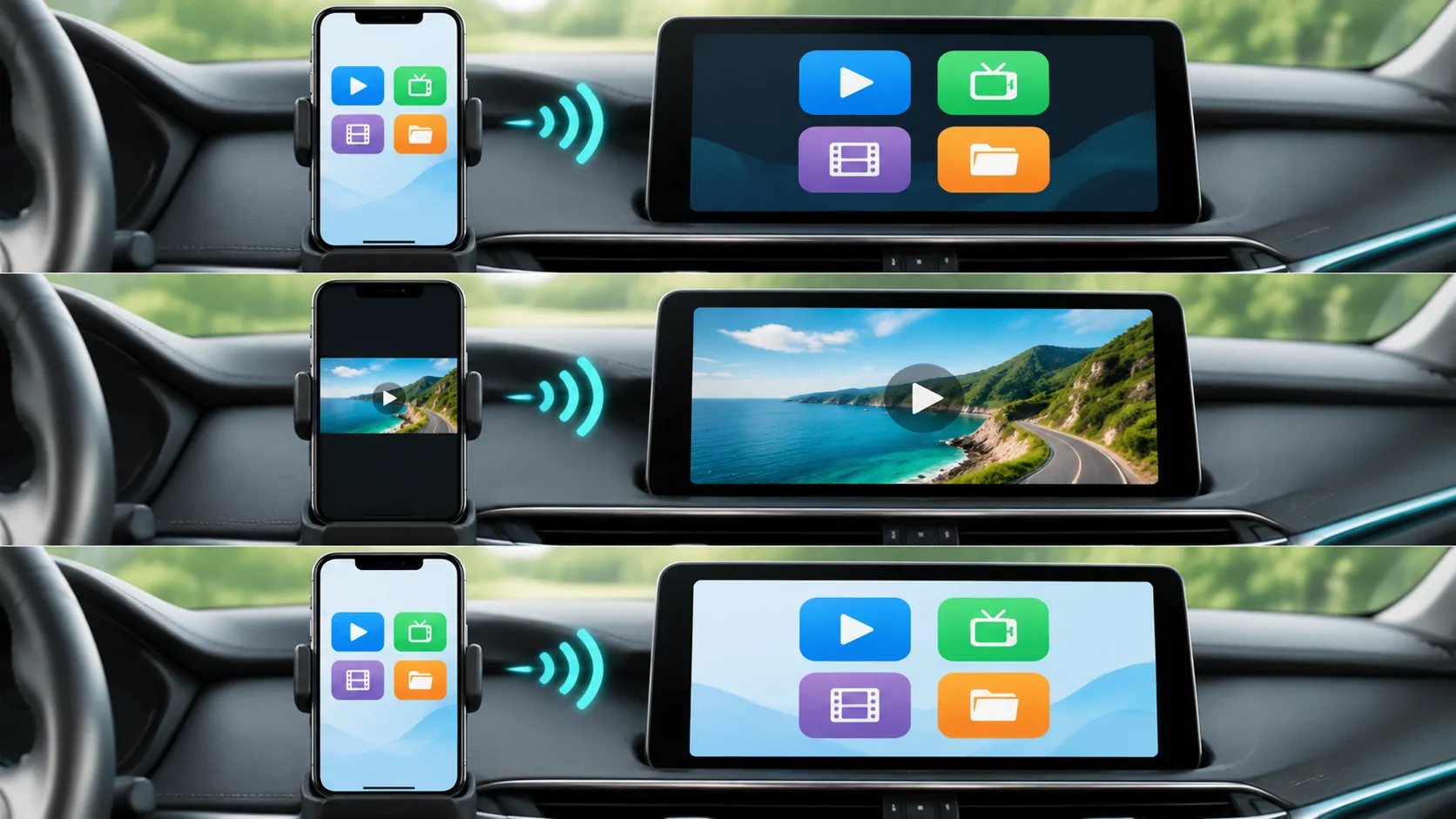
A test should start with one precise question. Is the phone playing its own media? Is an app presenting a supported vehicle interface? Is selected media being streamed, or is the phone screen being mirrored? A result for one route cannot be used as proof that the others work.
Apple describes supported video apps and vehicle AirPlay integration separately, with parked-use conditions. Keep those distinctions in the test title and record. Do not use an ordinary CarPlay audio connection as evidence of a vehicle video capability.
Record the actual configuration
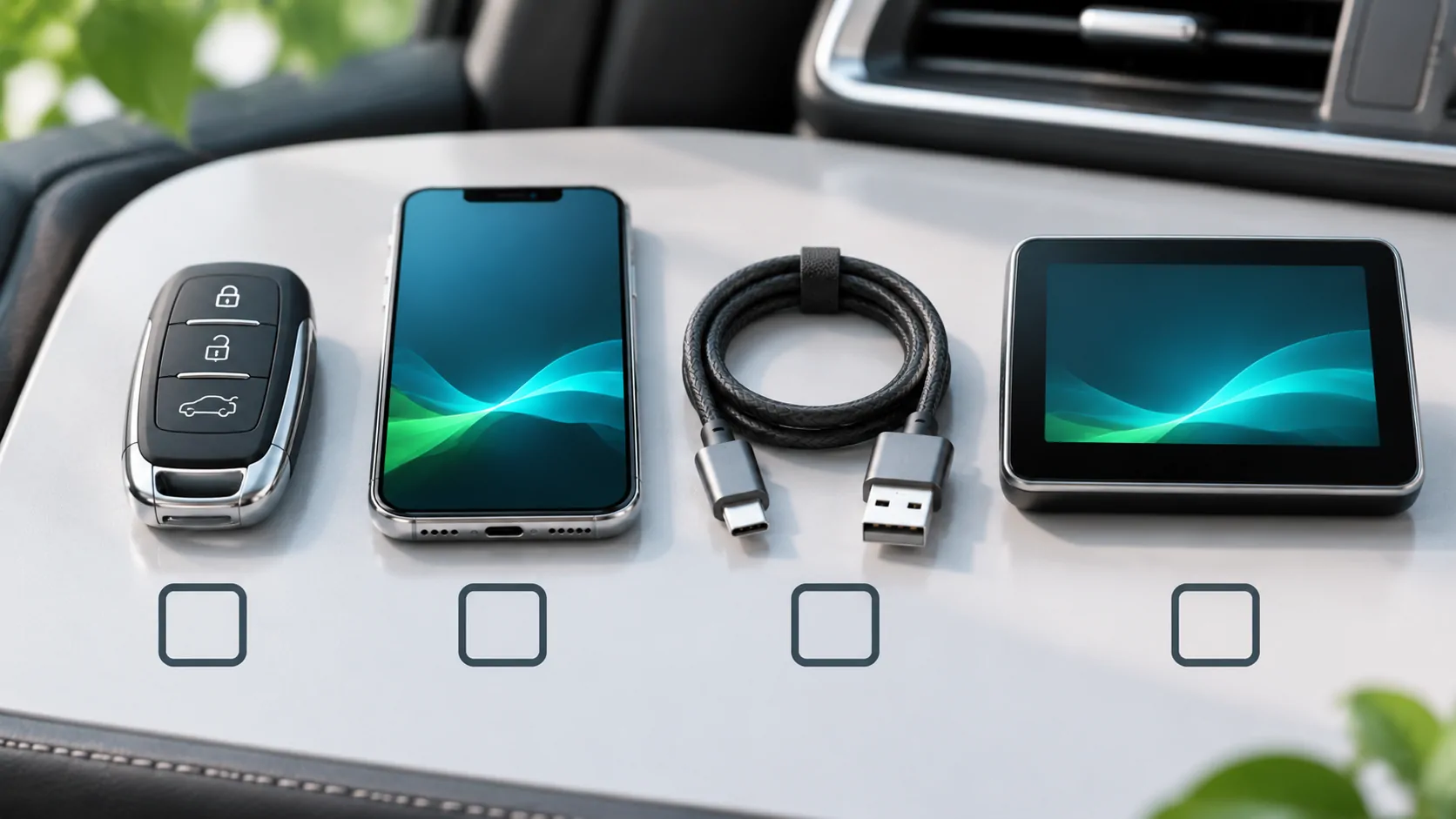
The proposed minimum record includes the test date, iPhone model, exact iOS version, CarCast version and build, vehicle model and year, region, head-unit model, vehicle software and connection method. If the receiver is aftermarket, record that instead of assuming the original factory specification applies.
The media record should identify a non-sensitive test asset you own or are authorised to use, its container and codecs when known, whether it is local or streamed, and whether protection applies. It should not include a working private media URL or a server password in a report that will be published.
Keep observations separate from conclusions
Write what happened: the app appeared, the source list loaded, audio started, a frame was visible, playback stopped or a specific error appeared. Record each action separately. If the phone plays correctly but the car display does not, retain that difference rather than collapsing the result to "CarCast failed".
A single successful run establishes only that observed configuration at that time. It does not establish support for every trim, region, software release or source. A failure likewise does not prove that the entire car model range is unsupported.
Respect the supported operating conditions
Perform setup and any allowed viewing only while safely parked in a suitable location. Do not attempt to defeat vehicle motion controls, operating-system permissions or content protection. Stop the test if the vehicle or source does not permit the operation.
This article provides a proposed record template, not the results of a completed vehicle test. Use the compatibility checklist to identify the required evidence for your setup. Any compatibility table should link to a dated record and state its scope rather than presenting an unsupported universal guarantee.
Sources
Related reading
Bring your own media.
Explore CarCast for iPhone with your own authorized sources and supported display configurations.