Video & Casting
CarPlay, AirPlay and Screen Mirroring: Three Different Connections
The words sound interchangeable, but the connection, interface and compatibility checks are different.
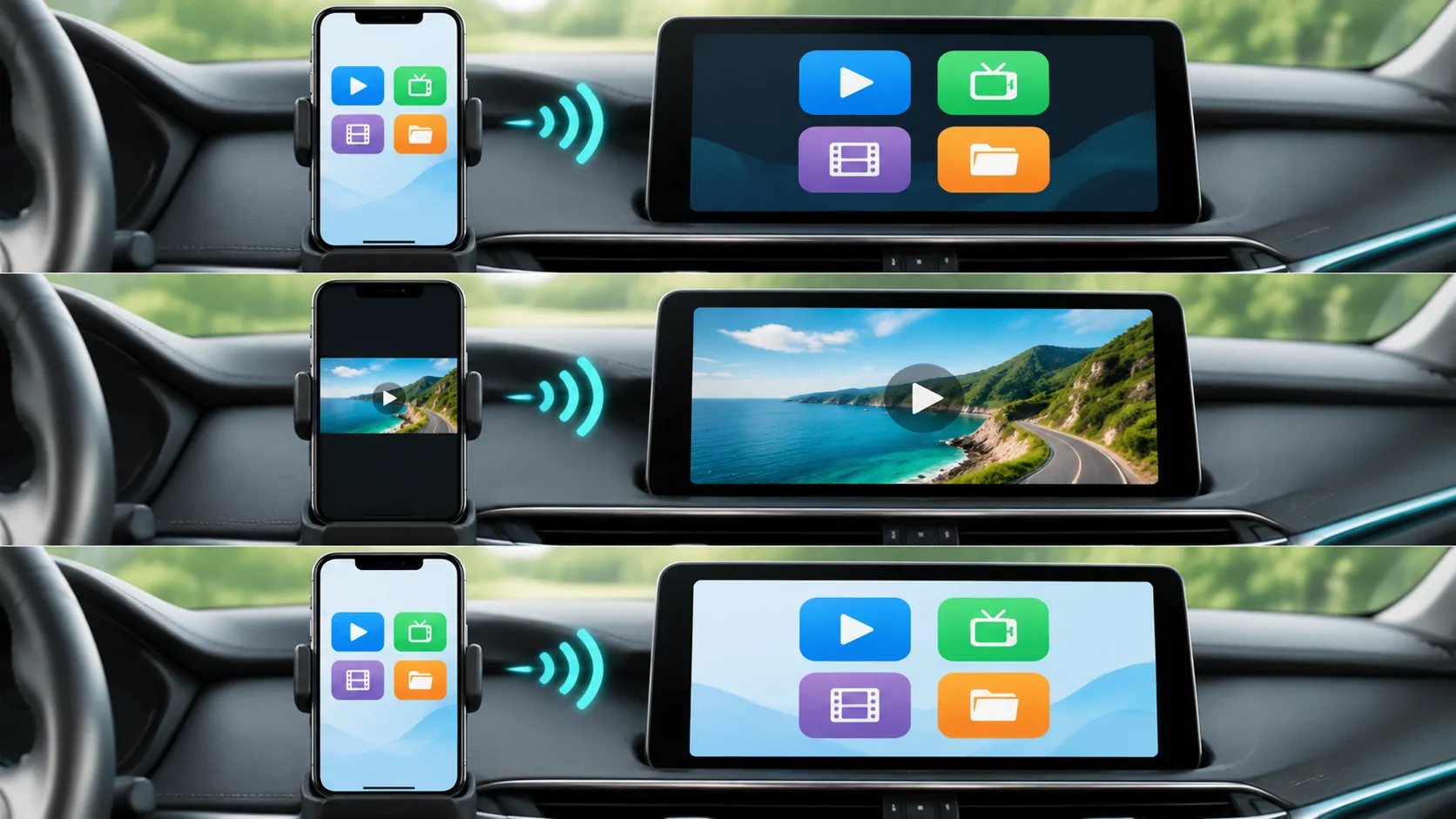
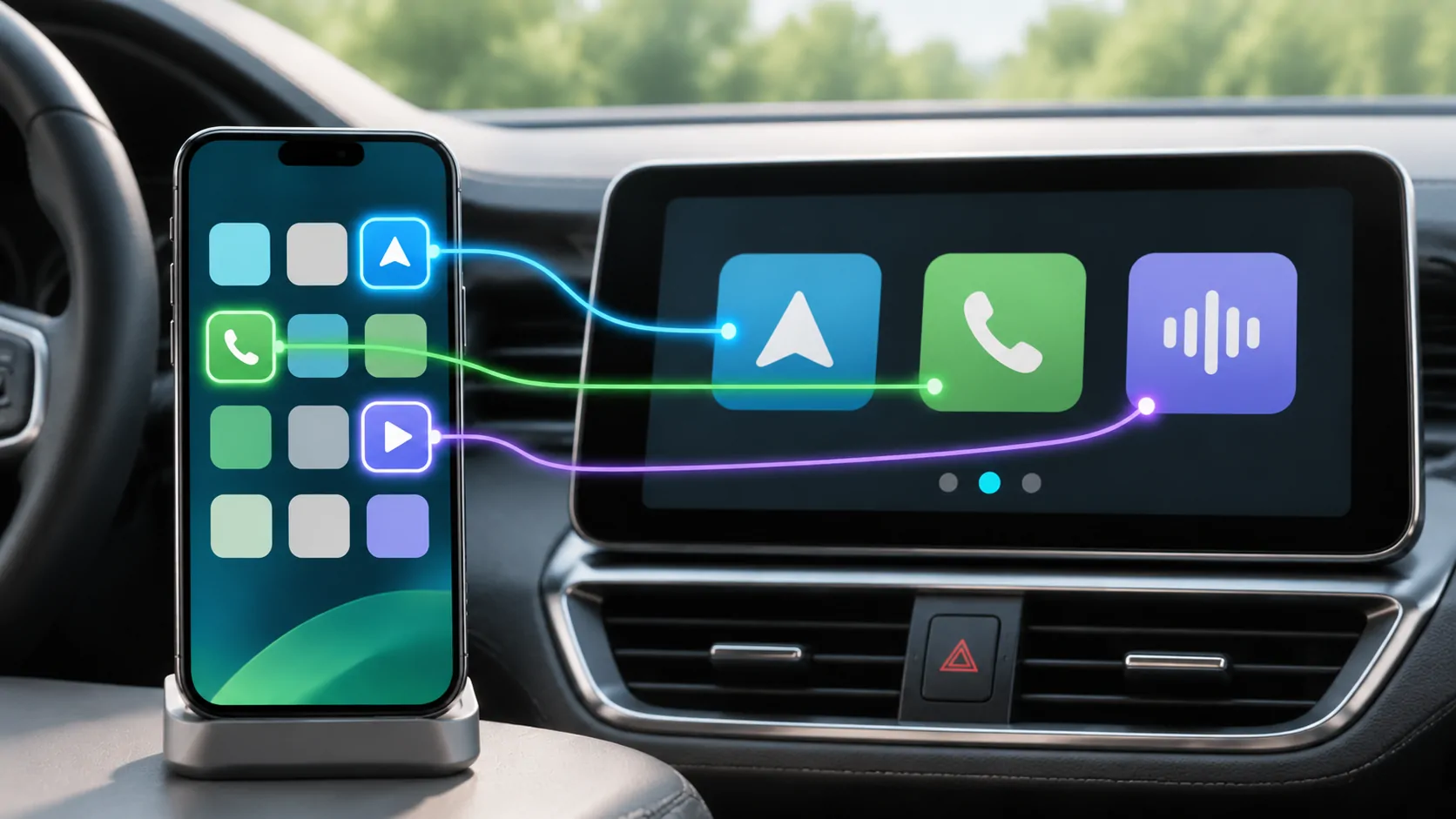
CarPlay presents supported app experiences
CarPlay is Apple's interface for using supported iPhone functions through compatible vehicle controls and displays. Apple's setup guide describes navigation, calls, messages, music and other supported experiences. The interface that appears in the car is not a promise that every iPhone app can be shown there unchanged.
CarPlay apps use supported categories and interfaces. Having an app installed on the phone is one condition; having a supported CarPlay experience, suitable software and compatible vehicle equipment are separate conditions. This is why an app working normally on the phone does not settle what its car-screen behaviour will be.
AirPlay sends media to a receiver
AirPlay is a separate family of media and display capabilities. A compatible receiving device is required. Apple's AirPlay troubleshooting guidance discusses receiver availability, software, network conditions and relevant restrictions. Instructions for an Apple TV or smart TV cannot be assumed to work with every car stereo.
Apple also describes AirPlay video for vehicles on its CarPlay developer page. It explicitly ties vehicle integration to watching when people are not driving. A vehicle supporting ordinary CarPlay does not, by that fact alone, prove that its manufacturer integrated AirPlay video.
Screen mirroring copies a display
Screen mirroring describes showing the phone's display on another screen. Streaming a selected video can instead send just that media presentation. Those approaches can expose different information: a mirrored display may include app switching, messages or other on-screen content.
Before starting any screen-sharing session, review what is visible, use only a display you intend to connect to, and stop the session before opening sensitive information. These are practical privacy checks; they do not imply that a particular app or operating system will hide every notification automatically.
Ask which route is being demonstrated
When comparing products or watching a demonstration, identify the exact route:
- Is this a supported CarPlay app interface?
- Is the phone sending selected media to an AirPlay receiver?
- Is the entire iPhone screen being mirrored?
- Which receiver, vehicle software and phone version are involved?
An answer about one route should not be used as proof of another. A successful audio connection, for example, is not a test of vehicle video playback. A photograph of a screen also does not establish the supported configuration behind it.
Applying the distinction to CarCast
Use the CarCast mirroring overview to understand the product's intended experience, then check the compatibility conditions for your setup. CarCast is an independent third-party app. It does not change a vehicle manufacturer's hardware capabilities or grant permission to display protected media.
Perform setup and any permitted video viewing only while safely parked. If the display or source declines a connection, use supported troubleshooting rather than attempting to bypass a vehicle safety control or a content restriction.
Sources
Related reading
Bring your own media.
Explore CarCast for iPhone with your own authorized sources and supported display configurations.