Guides
Why CarPlay Keeps Disconnecting
Diagnose repeated CarPlay disconnections by separating cable contact, wireless transport, receiver restarts and single-app failures.
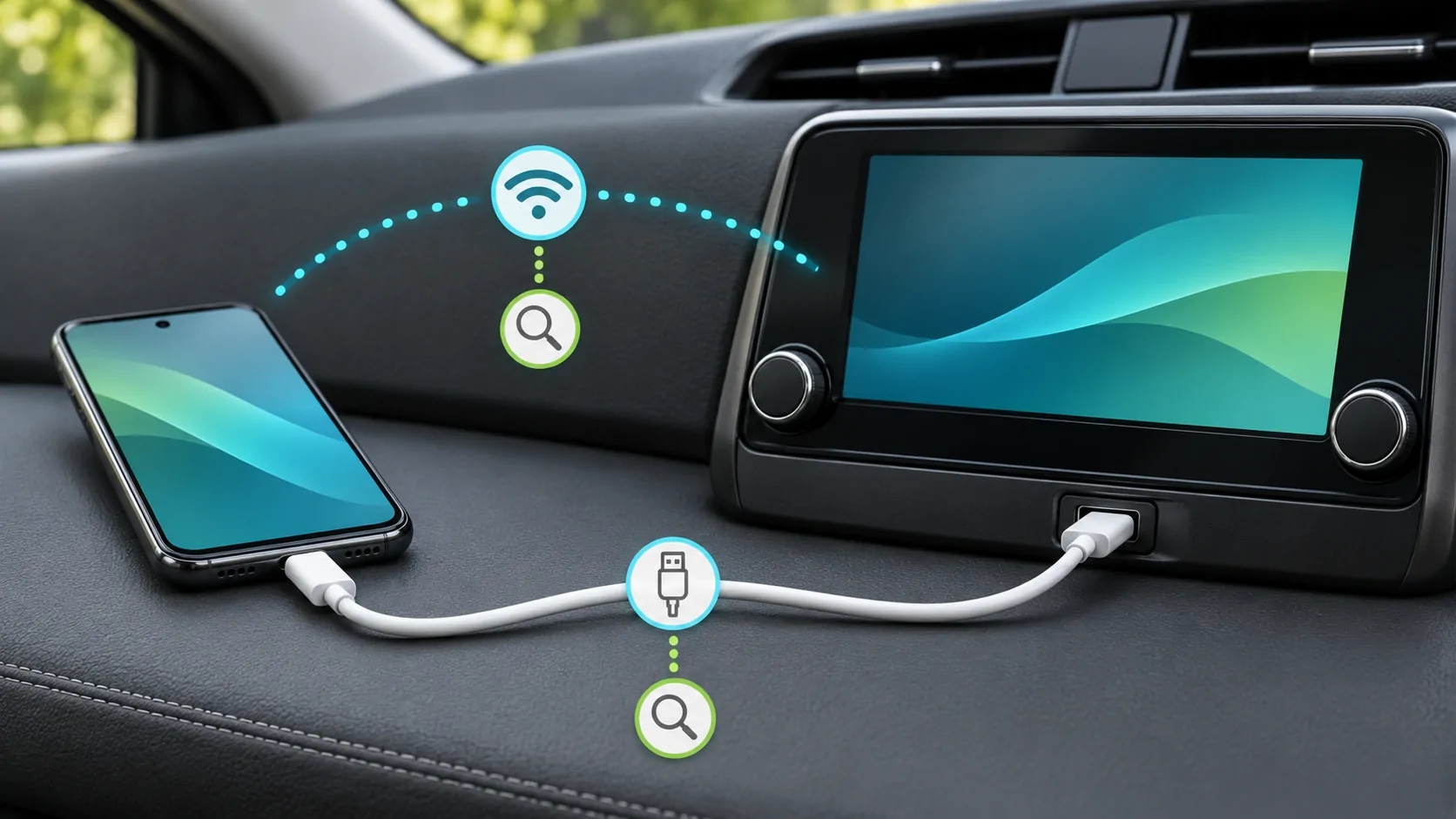
When CarPlay keeps disconnecting, first determine whether the entire interface closes, only one app stops, or merely online content pauses. Then test the wired or wireless connection with one controlled change at a time. A repeated drop can involve a cable, receiver, phone settings or software; the symptom alone does not identify a single universal fix.
Describe the actual interruption
Watch the result during a parked test. Does the receiver return to its native menu? Does the CarPlay image freeze while audio continues? Does a streaming app show a spinner while navigation still works? These are different failures and deserve different checks.
Record when the problem occurs: immediately after connection, after several minutes, when another phone enters the car, or when a particular app opens. An exact sequence is more useful than a general statement that the system is unstable.
Do not deliberately reproduce a fault while driving. If the issue appears on a journey, note the circumstances later and arrange a safe stationary comparison.
For wired connections, simplify the physical path
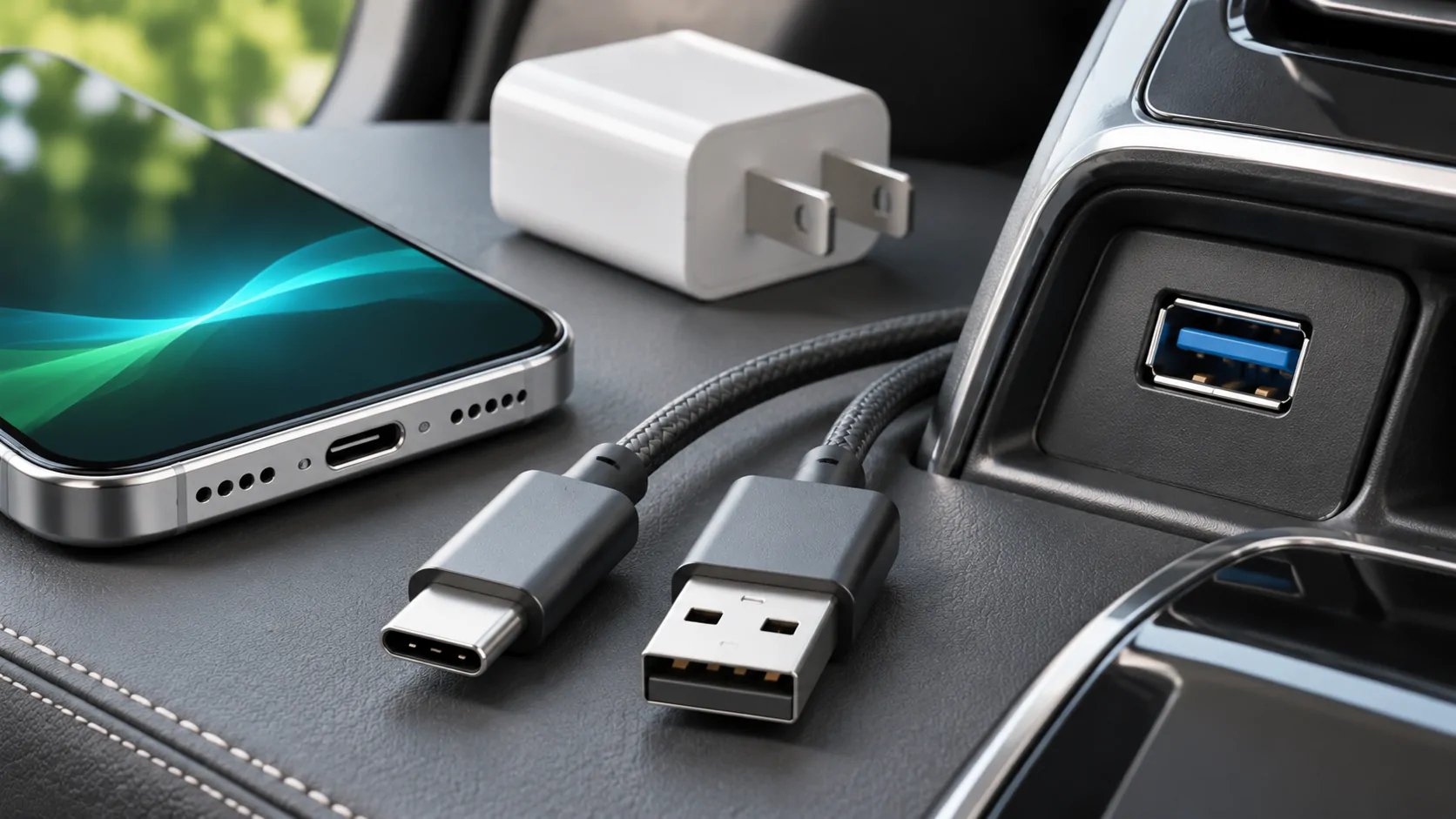
Use the vehicle's documented CarPlay USB port and a direct data cable. Remove unnecessary hubs, extensions and adapter chains from the test. A charging indicator does not prove the data connection is healthy.
Apple's troubleshooting page recommends trying a different USB cable and another port where available. Keep the phone and receiver the same while making that comparison. If you change the phone, cable and port together, a successful result does not reveal the original cause.
Apple also warns that some USB-C-to-Lightning adapter combinations can disrupt wired CarPlay. Compare a suitable direct cable before concluding that the phone or vehicle needs replacement.
Check connector fit without damaging it
Place the phone securely so the cable is not supporting its weight. Inspect for a case preventing the plug from seating fully or a storage lid pressing against the connector. Stop using visibly damaged accessories.
If gentle repositioning consistently causes a disconnect, record the observation and compare another suitable cable. Do not bend a plug repeatedly or insert tools into the phone port. Cleaning or repair should follow the manufacturer's guidance.
If a second compatible phone works with the same reference cable and port, investigate the original phone's connector, settings and software. If both phones fail in the same arrangement, the cable or receiver side becomes a stronger suspect, but that still requires confirmation.
For wireless use, verify the required radios
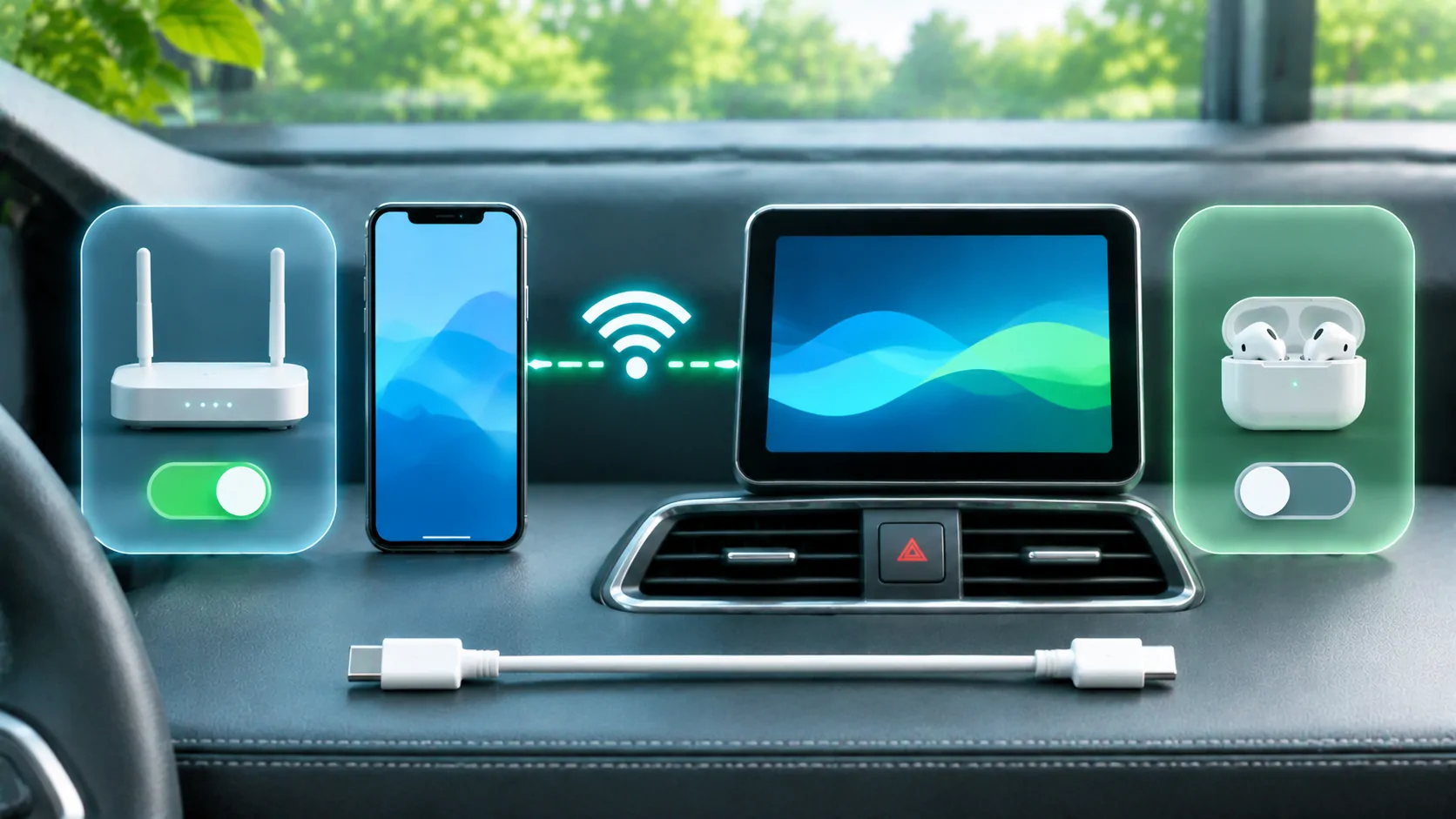
Apple's setup instructions and troubleshooting guide call for Bluetooth and Wi-Fi, including Auto-Join for the CarPlay network. Disabling Wi-Fi is therefore not a general cure for a wireless CarPlay drop.
Check which phone is active and whether another saved phone is competing for selection. A receiver switching devices can look like random disconnection. Use the receiver's documented priority controls and temporarily isolate the intended phone during a parked test.
If wired CarPlay is also supported, compare it using the same phone. A stable wired session narrows the problem to differences in the wireless arrangement, but it does not prove that radio interference is the cause.
Distinguish transport from internet service
A video or music stream can pause when mobile data is weak while the CarPlay connection remains intact. Test a downloaded audio item to reduce dependence on network delivery. If navigation and the interface remain responsive, investigate the source app or mobile network.
If the complete interface disappears, examine the phone-to-receiver link and receiver state. If the receiver itself reboots, note whether its native functions also restart. That observation deserves attention from the manufacturer rather than an app-only diagnosis.
For repeated wireless failures in a particular environment, continue with wireless interference diagnosis. Avoid assigning a radio cause merely because the problem happens wirelessly.
Restart and reconnect in a measured order
Restart the phone and vehicle multimedia system using their documented procedures. Allow the receiver to complete a normal shutdown rather than rapidly cycling power. Repeat the same simple test after each change.
If the saved pairing appears damaged, forget the car in the iPhone's CarPlay settings and set it up again. Remove the matching receiver entry if the manual requires it. Note current preferences first because re-pairing can require confirming permissions again.
Review CarPlay restrictions and Siri if connection never establishes properly. These checks are part of Apple's official sequence, but they should not be presented as proven causes of every intermittent drop.
Check software without inventing a version-specific bug
Record the actual iPhone software, app versions and receiver firmware. Check the phone's available updates and the vehicle manufacturer's instructions. Phone software and receiver firmware are separate components.
If the issue began after an update, note that timing as an observation. It does not by itself establish causation. A cable moved during the update, a changed app or a receiver setting could also matter.
The post-update guide explains how to preserve a useful before-and-after record. Do not install unofficial firmware or attempt a software downgrade based on an unverified forum claim.
Decide what a useful resolution looks like
Repeat the same parked connection and the same basic tasks after a change. Confirm that the interface, audio and reconnection remain stable for the test period. A single successful launch is encouraging evidence, not a guarantee of permanent reliability.
If the fault persists, provide the manufacturer or app developer with the connection method, exact hardware, software versions, error text and controlled comparisons. Include whether the whole receiver restarted or only one app stalled.
For cable selection, retain a known working reference. The aim is to identify the failing stage and restore a repeatable supported connection, not to claim that one reset, cable brand or app can cure every CarPlay disconnection.
Sources
Related reading
Bring your own media.
Explore CarCast for iPhone with your own authorized sources and supported display configurations.