Video & Casting
A Website, Web App and CarPlay App Are Not Interchangeable
Understand the differences between websites, installed web apps and approved CarPlay experiences, including installation, controls and media-output limits.
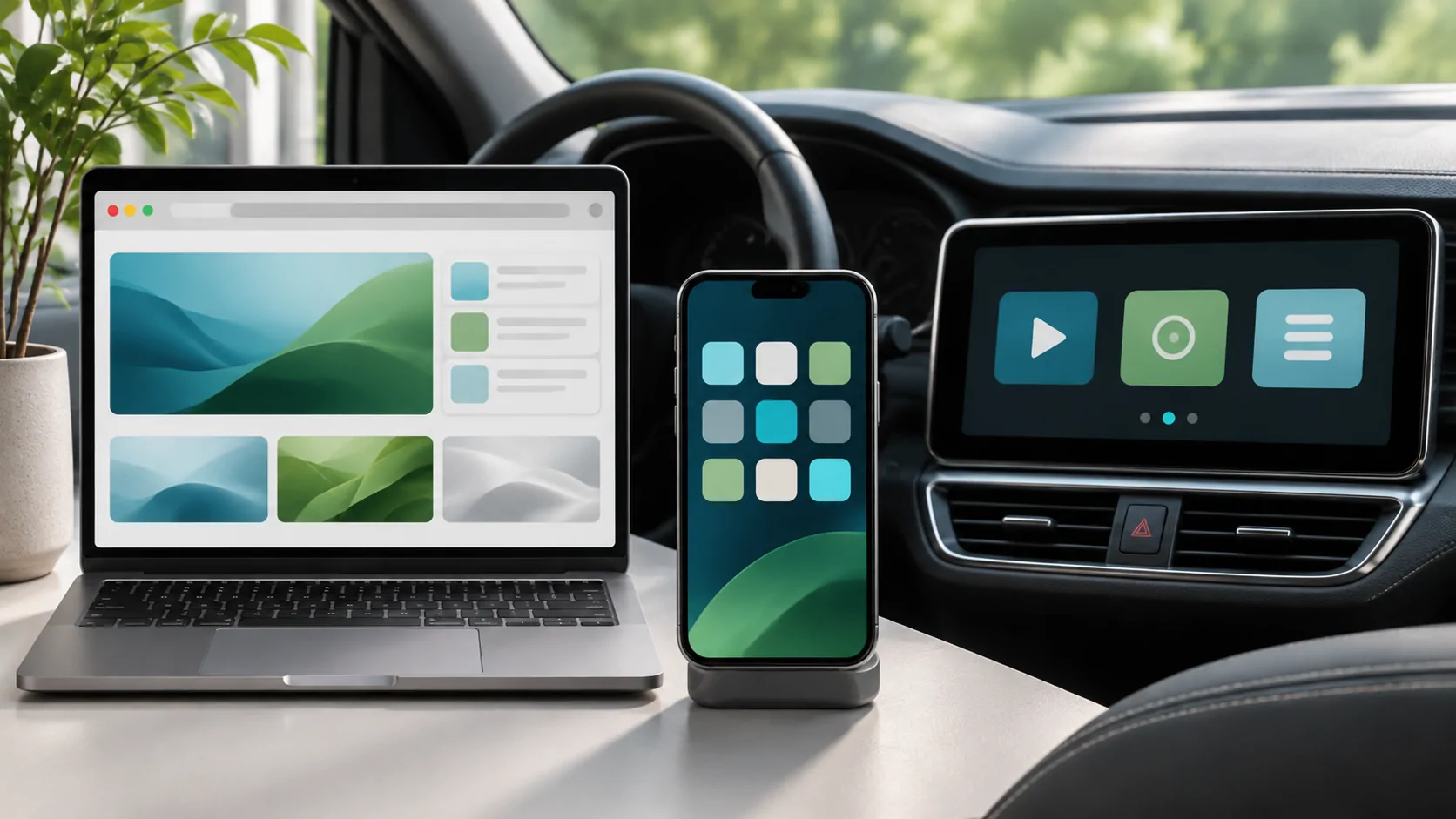
A website, an installed web app and a CarPlay app have different capabilities and distribution paths. Adding a website to the iPhone home screen does not turn it into an approved CarPlay experience. Likewise, opening a webpage inside an iPhone app does not mean that page can appear as a generic browser on the vehicle display.
Choose the workflow by the task and the documented platform support. For visual media, verify the particular system and keep use within a lawful parked or passenger setting. A web interface, mirror and CarPlay screen should never be treated as interchangeable simply because they all originate on a phone.
What a Website Provides
A website is delivered through a browser and uses the browser's supported web features. It can present text, controls and compatible media, but its capabilities depend on the environment, permissions and service requirements. The same page may behave differently in a full browser and an embedded view.
A website address identifies content, not a vehicle integration entitlement. A responsive page can adapt to a wide rectangle while still lacking an approved route to the dashboard. Visual fit and platform support are different questions.
If your goal is to access information on the phone, a normal website may be sufficient. If the goal requires vehicle controls, approved display surfaces or a particular output route, consult the platform and product documentation before assuming that a browser page can supply those features.
What an Installed Web App Changes
A progressive web app can use supported web technologies to offer installation-like behaviour, an app-oriented presentation and other features depending on the browser and operating system. MDN's PWA documentation explains that model and its platform-dependent capabilities.
Installation does not make every web API available, create native integration automatically or approve the app for every display. Offline capability must also be implemented deliberately; a home-screen icon alone does not mean remote videos or account services work without a connection.
Do not infer CarPlay availability from an installed icon on the iPhone. Ask the provider whether it offers a documented CarPlay experience and what category, system and version it supports. A PWA and a native app can share branding while exposing different features and operating under different restrictions.
What a CarPlay Experience Requires
Apple's CarPlay developer information describes a platform with supported app categories, frameworks and requirements. Developers work within those mechanisms rather than treating the dashboard as an unrestricted copy of the phone screen. Check the current official documentation for the particular category and feature.
Apple's consumer overview explains the in-car experience and supported functions. It is not a promise that any website or any iPhone video app can appear on every vehicle display. The phone, vehicle system, app and feature must all be considered.
Avoid relying on a third-party demonstration that omits the operating-system version, receiver or connection method. It may show an adapter's separate operating system, a mirror or a vehicle-native app rather than an ordinary CarPlay application. Name the actual route before evaluating compatibility.
A Browser Inside an App Is Another Layer
A native app can include a web view, but the web content remains subject to that environment's capabilities and the service's rules. An embedded login, video player or account session may behave differently from the full browser. Its presence on the phone says little about an external display.
See why web video differs across screens for media-specific dependencies. Codec support, DRM, authentication and server responses can each affect playback even when the surrounding webpage loads.
If an app such as CarCast documents a browsing-related feature, assess that exact feature rather than extrapolating from the word browser. Do not assume universal website access, shared Safari sessions or every video service's compatibility. Product capability claims need current evidence from the app and the receiving system.
Mirroring Does Not Change the App Category
Mirroring reproduces a screen through a supported capture and receiver path. It does not convert the source website into a native CarPlay interface or grant it the platform's controls. A receiver may show pixels without supporting the source's touch, keyboard or navigation model.
Direct media output is another route again. It can focus on an authorised presentation rather than the entire interface, but the app, service and receiver must support it. Read mirroring versus direct playback to compare those choices.
Keep vehicle safeguards in place. A technical demonstration on a parked compatible setup does not establish safe or lawful use while moving. Content rights, output support and road-use restrictions remain separate, and an installed website icon resolves none of them automatically.
Ask Better Compatibility Questions
Instead of asking whether a site works in the car, specify the intended task: phone browsing while parked, approved audio controls, a vehicle-native browser, a passenger display or supported external video. Then identify the phone version, vehicle or receiver and connection method.
Ask the provider which path it supports and where that support is documented. Does the feature run on the phone, inside a vehicle operating system, through CarPlay or on an accessory with separate software? These distinctions determine what updates, accounts and controls are relevant.
A useful answer includes limitations. Support for one vehicle model or one parked feature does not establish universal support across all CarPlay systems. Do not replace missing evidence with a generic list of compatible brands or a claim that every modern car behaves the same way.
Choose the Smallest Supported Workflow
For a simple information page, use the normal phone browser while safely parked. For approved in-car functions, use the documented CarPlay or vehicle-native experience. For lawful passenger media, choose a supported display and content route that fits that purpose.
If you are evaluating a product, check its current documentation and official store listing, then test the exact combination before relying on it. Record actual results without inventing measurements or treating a successful phone page load as dashboard validation.
The key is to name the platform accurately. Website delivery, web-app installation, native integration and screen output solve different problems. Once those distinctions are clear, compatibility questions become specific enough to answer with evidence.
Sources
Related reading
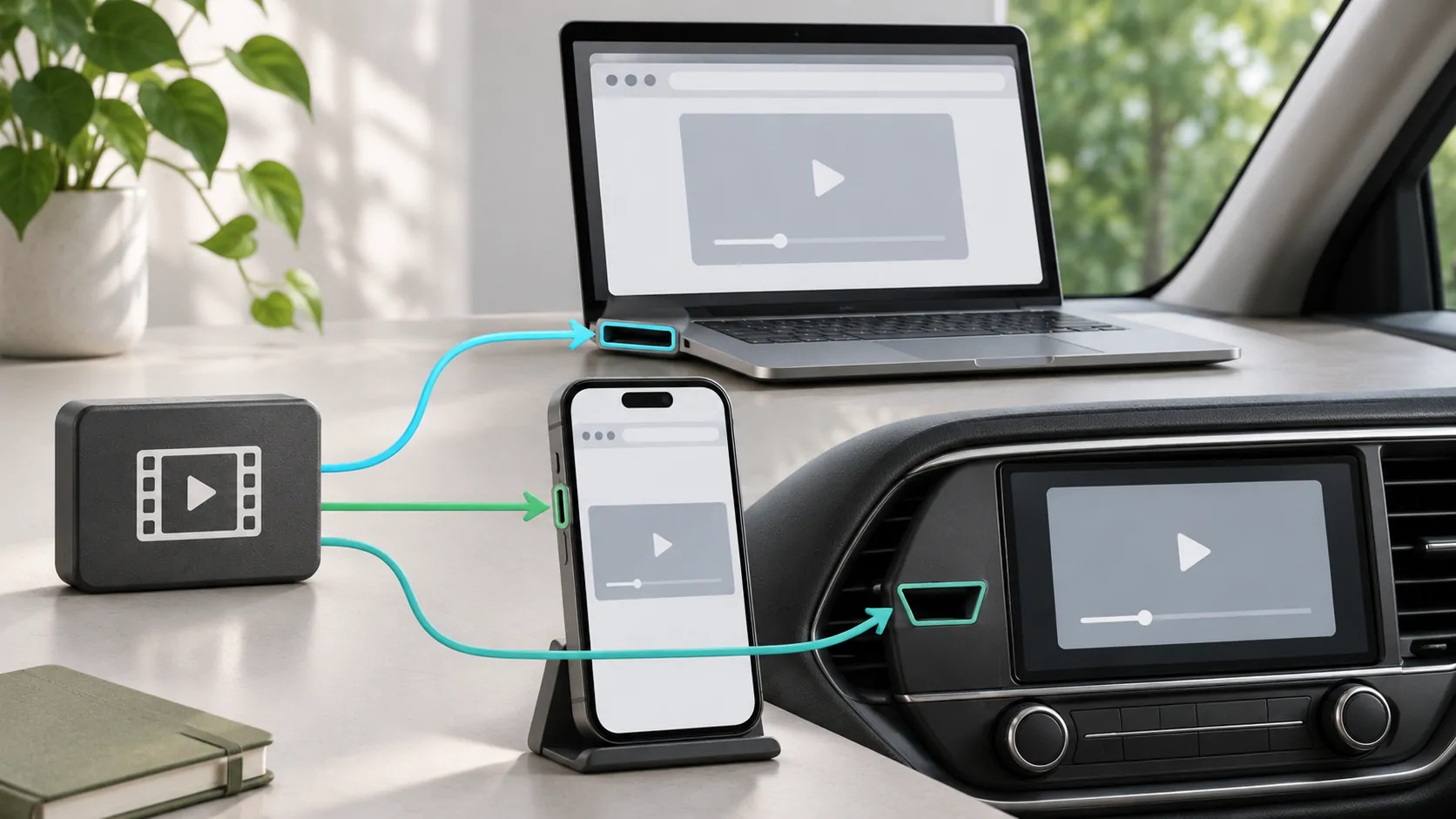
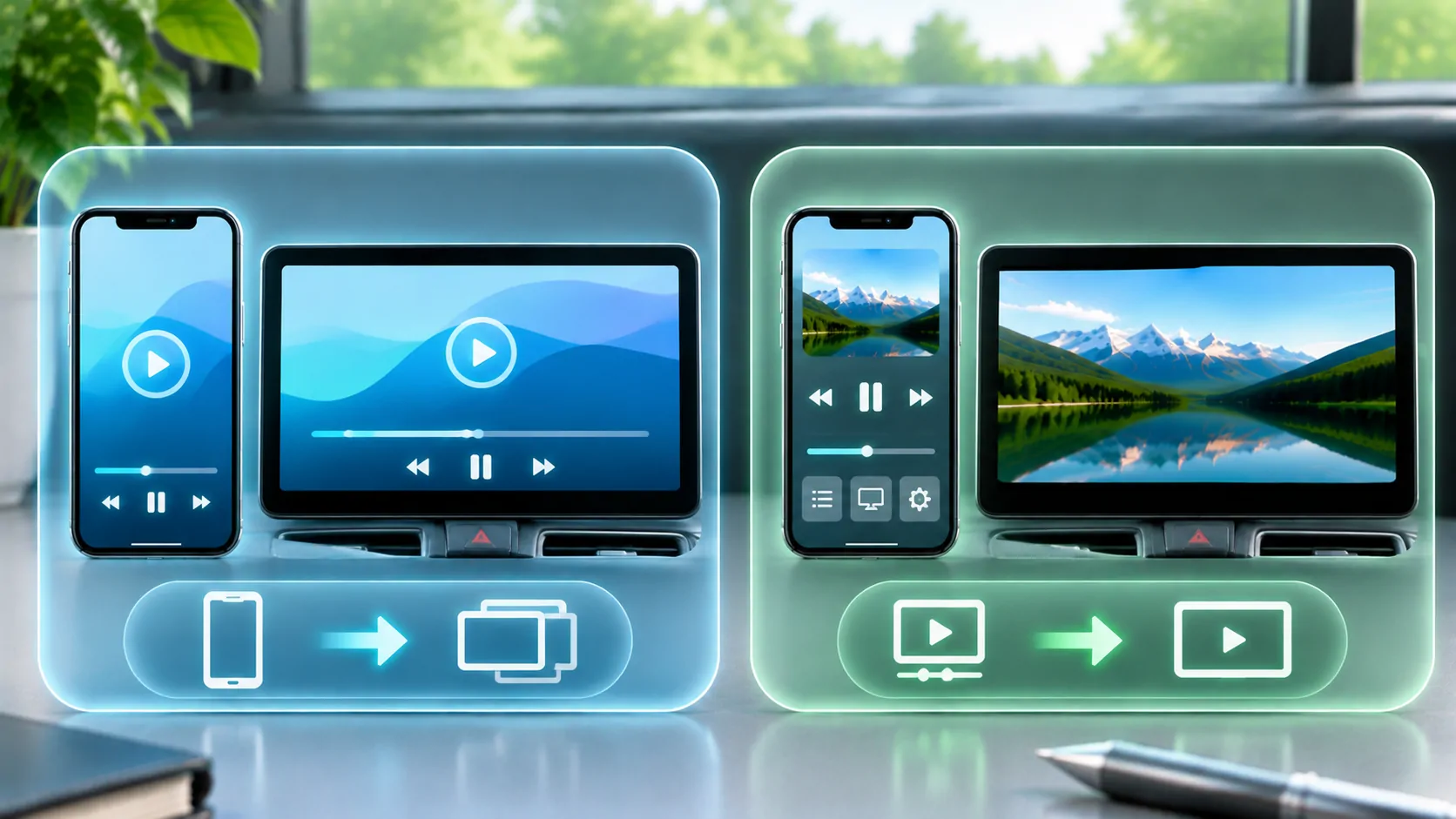
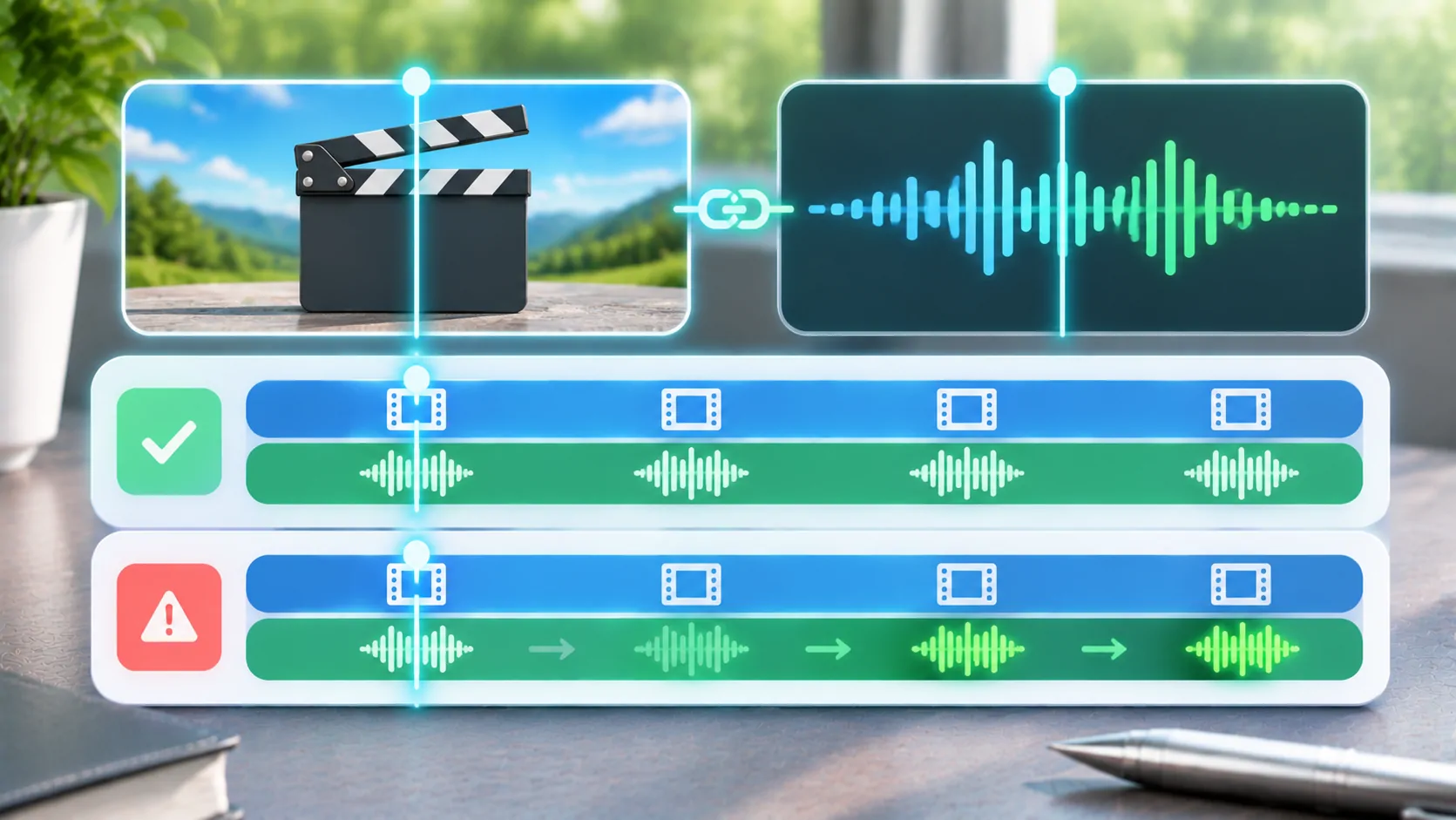
Bring your own media.
Explore CarCast for iPhone with your own authorized sources and supported display configurations.